
Assign territory, track doors, routes, visits, and leads.
FOR HOME IMPROVEMENT SALES TEAMS
Seewhat’shappeningacrossyourhome-improvementsalesterritories.
KnockDesk gives managers one place to see where reps are working, what neighborhoods are being covered, what’s happening at the door, and where the team needs attention.
Instead of waiting until the end of the day or week to piece together what happened, managers can compare the field plan with the activity underneath it and adjust while there’s still time to improve sales.
NEIGHBORHOOD COVERAGE
Keepneighborhoodcanvassingorganized.
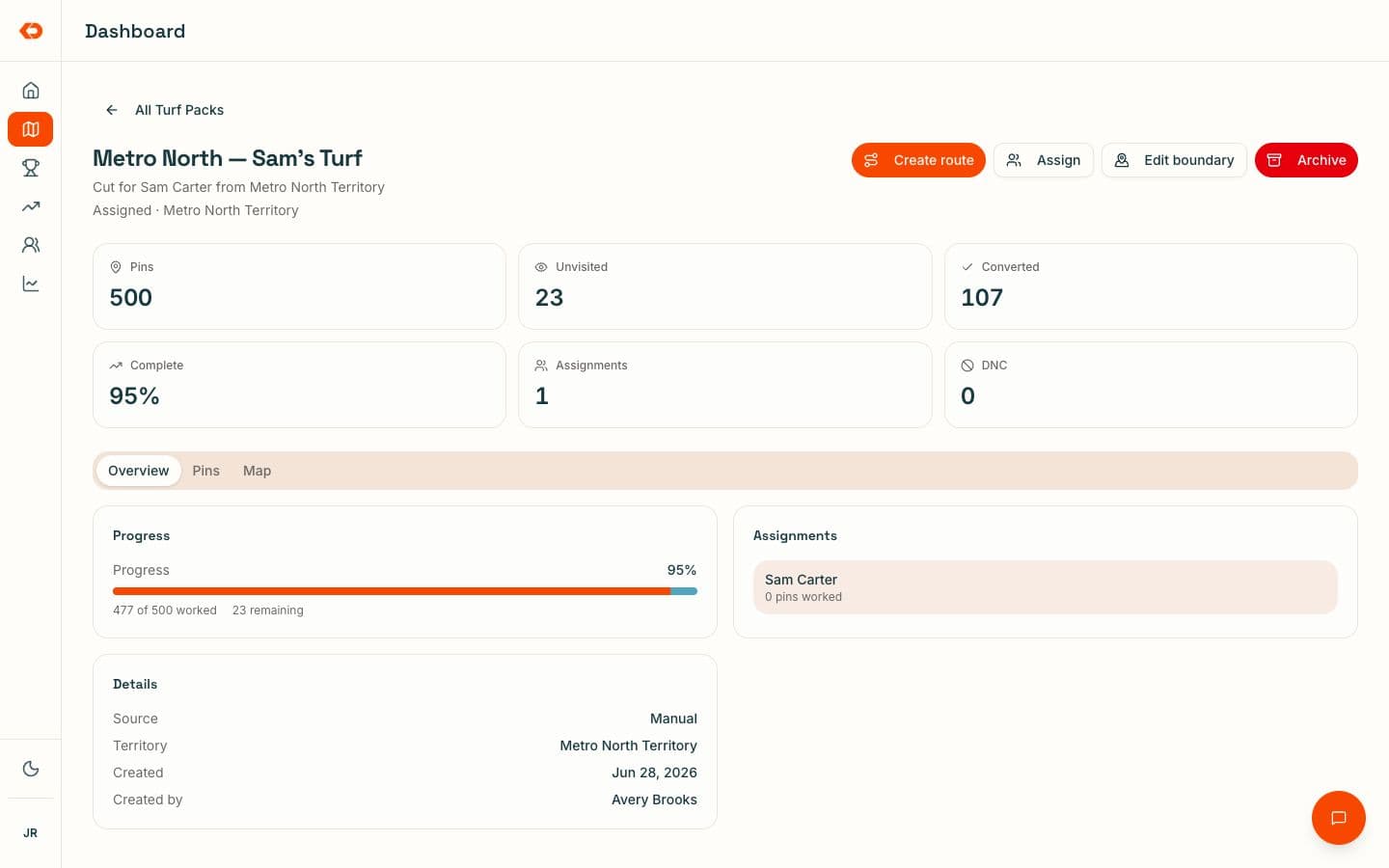
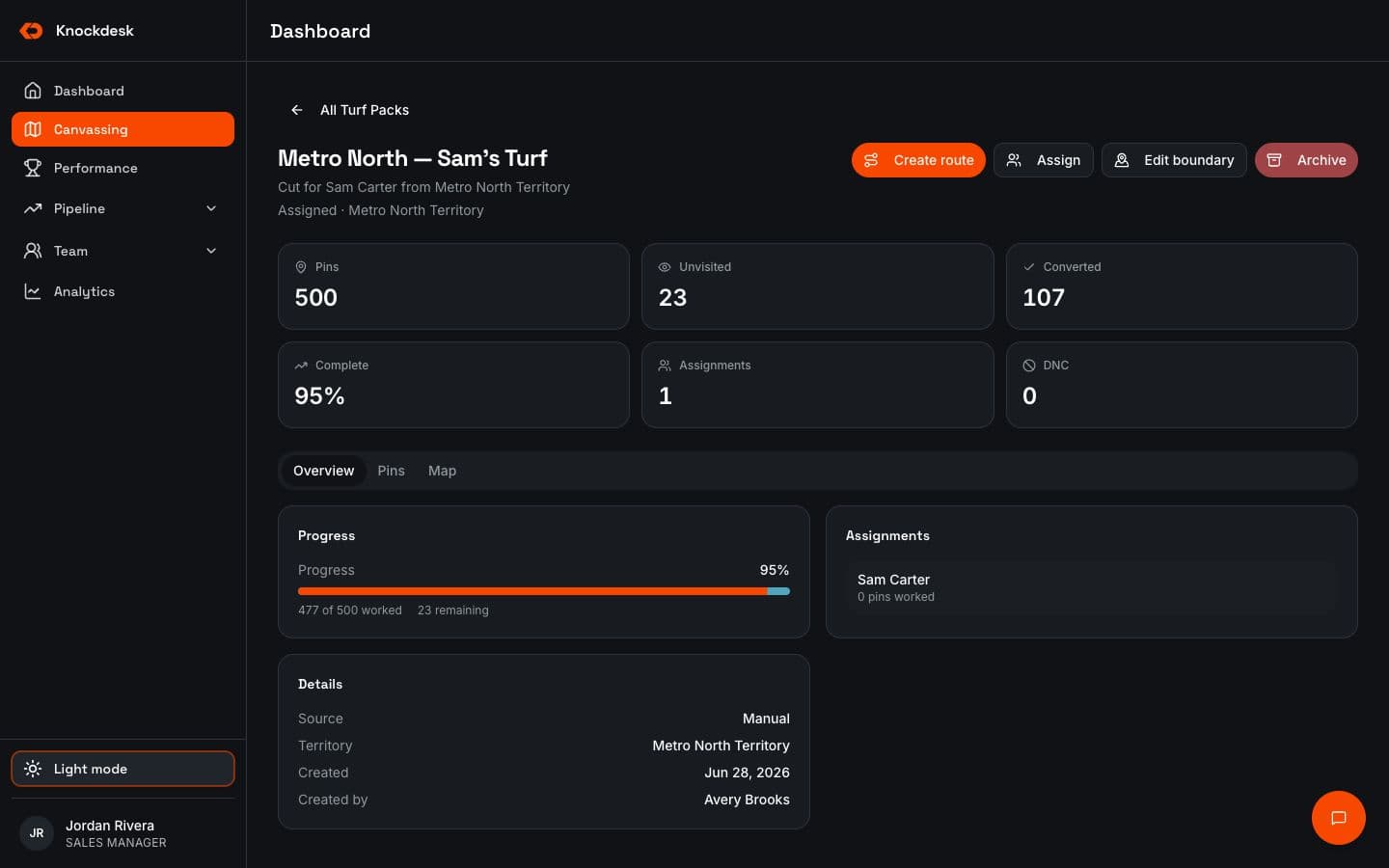
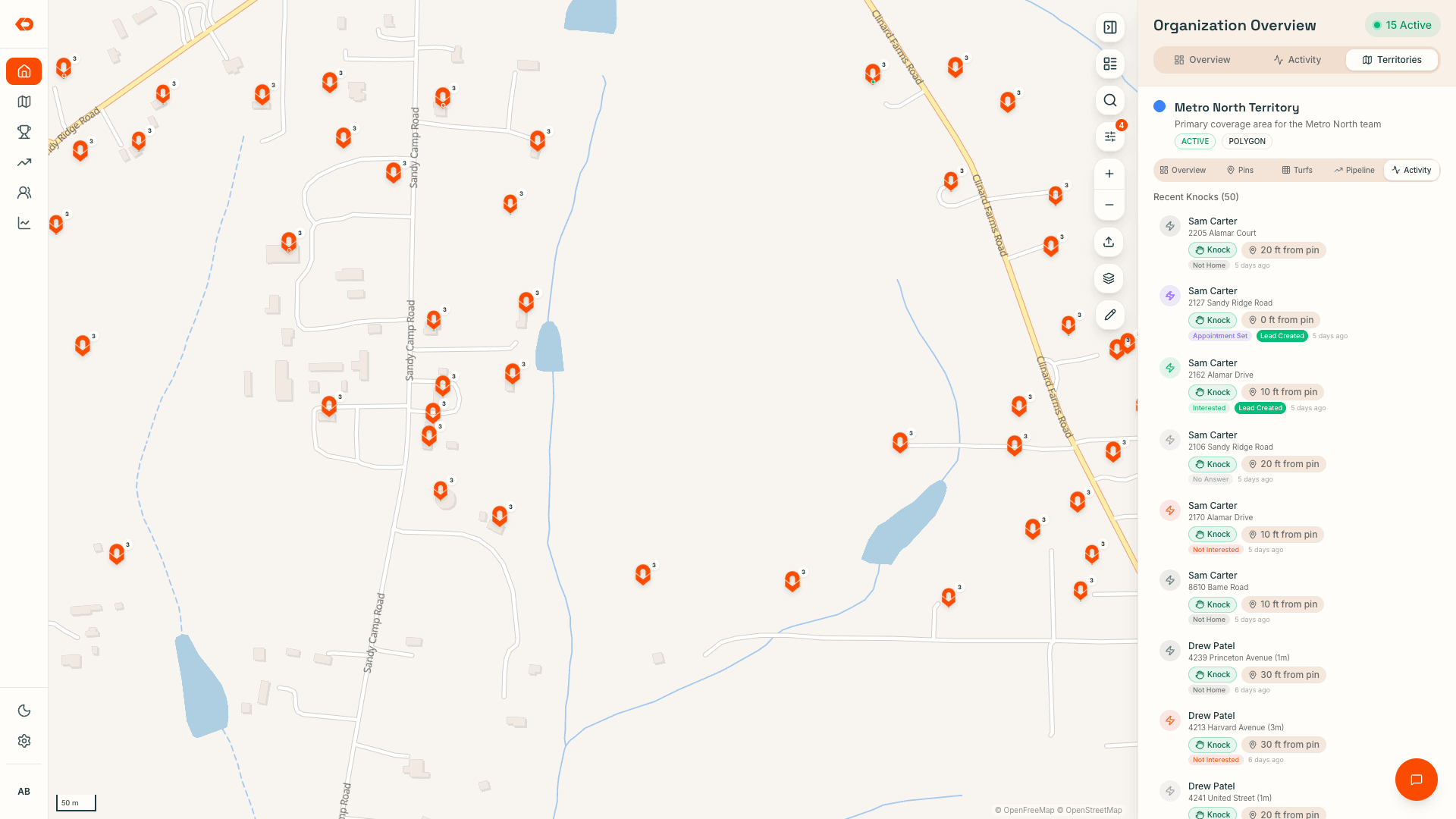
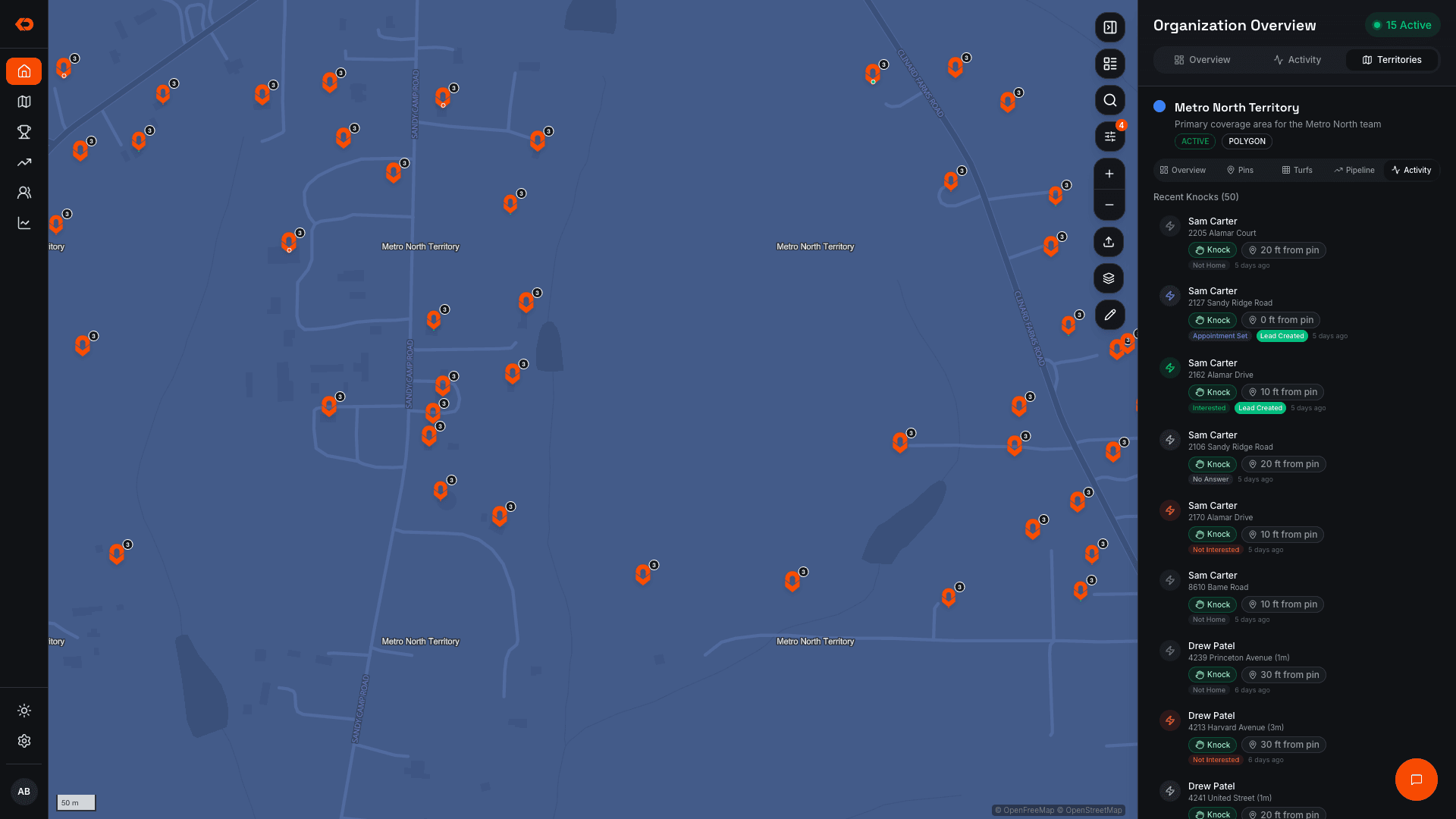
Assign neighborhoods or sales territories to individual reps or teams and make the coverage plan clear before people hit the field.
As doors are worked, KnockDesk shows which areas have been covered and what remains open.
Reps can see previous visit information, while managers get a clearer picture of how the team is moving through the market.
For teams with several reps working nearby areas, that helps keep coverage coordinated instead of depending on everyone remembering what someone else already worked.
- Assign territory by rep or team
- See worked and unworked areas
- Track door status
- Keep previous visits connected to the property
- Update assignments when plans change
TERRITORY
Seewhetherthesalesplanisactuallybeingexecuted.
An assigned neighborhood is only the plan.
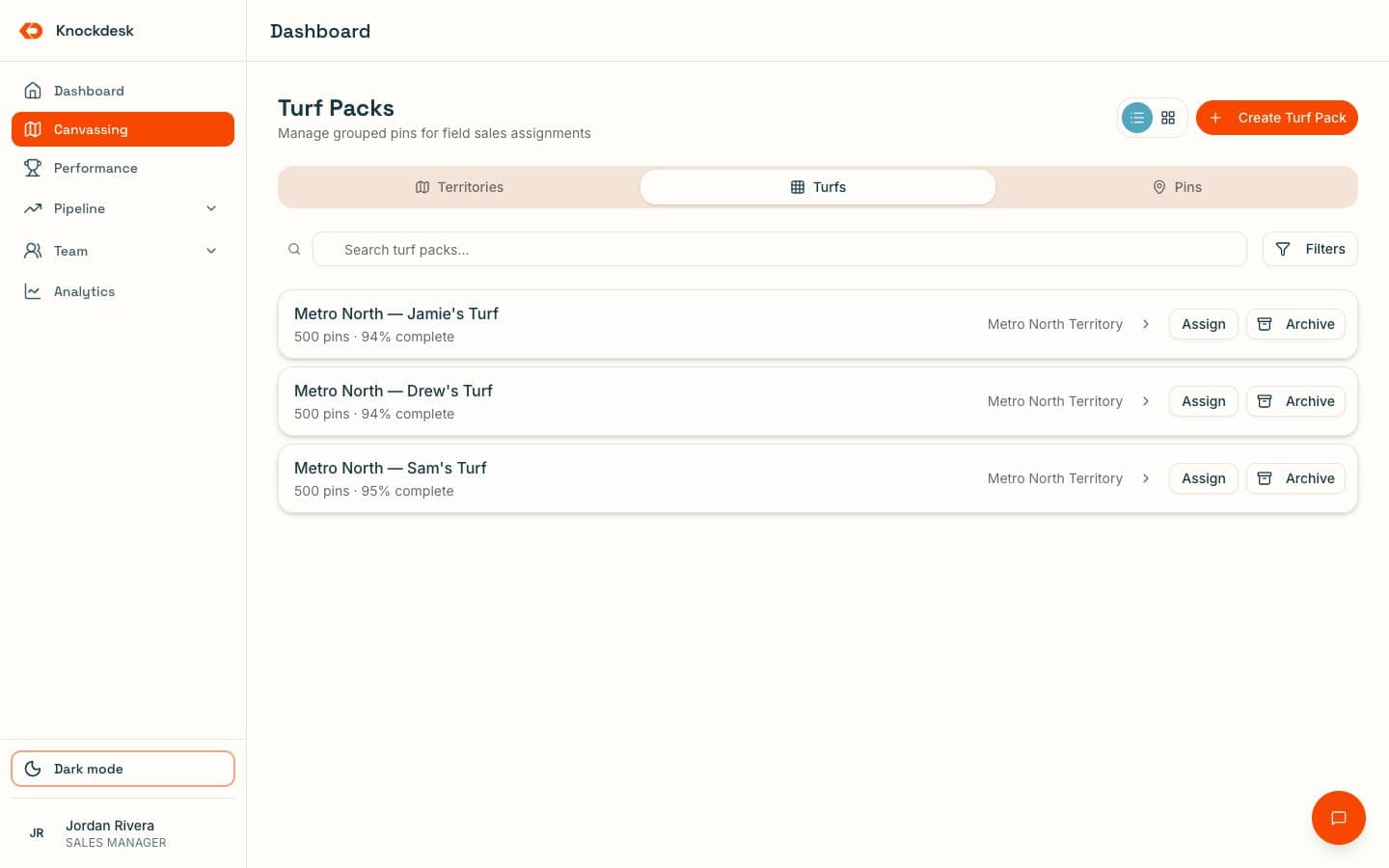
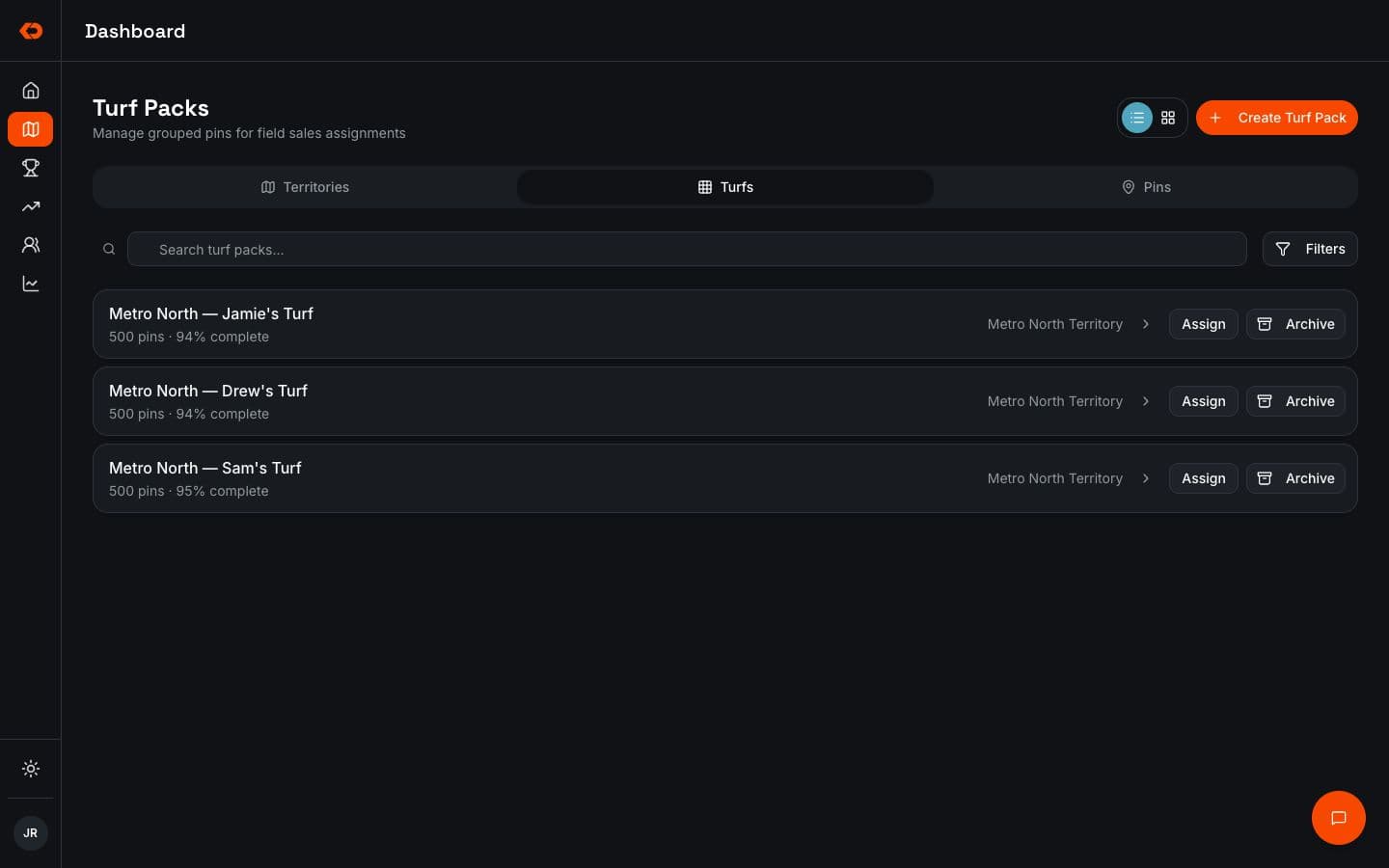
KnockDesk lets managers compare that plan with what actually happened in the field.
They can see where coverage is developing, which areas are barely being worked, and where territory may need to be reassigned before another selling period is lost.
Assignment shows where the team was supposed to work.
Coverage shows what the team actually worked.
- Coverage by rep or team
- Worked and open areas
- Reassign territory
- Door-by-door status
- Field activity inside the assigned area
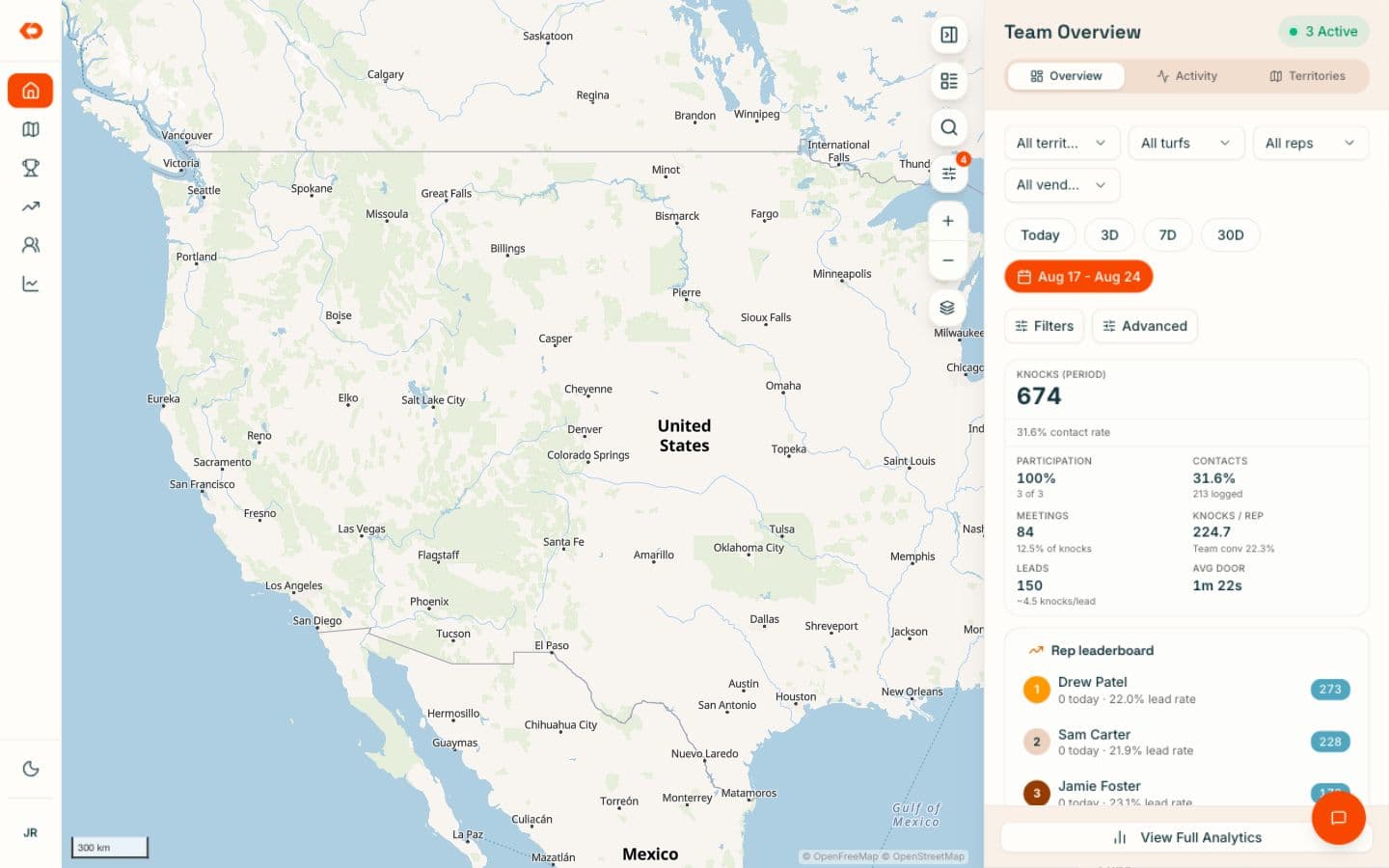
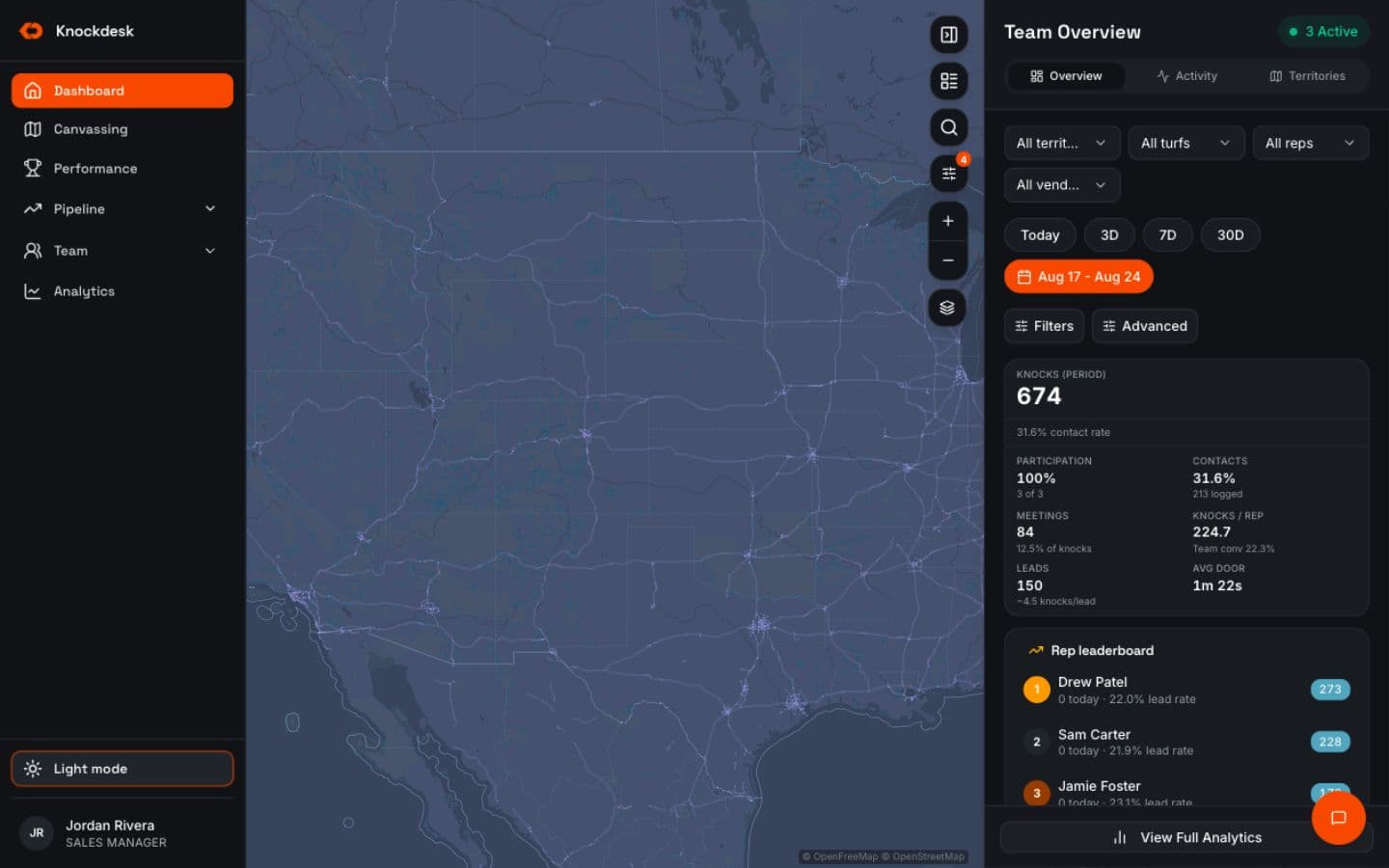
REP ACTIVITY
Knowwho’sworkingandwhat’shappeningatthedoors.
See rep locations, visits, activity, and field outcomes from one operating picture.
Managers can understand who is active, where people are working, and what is being recorded as the team moves through the day.
GPS-backed visit verification gives additional context around where visits were logged.
A location pin alone doesn’t tell a manager much.
The value comes from seeing the work connected to that location.
- Rep activity and locations
- Verified visits
- Visit outcomes
- Individual and team visibility
LEADS
Moveinterestedhomeownersintofollow-upwhiletheinteractionisstillfresh.
When a rep marks a homeowner interested, KnockDesk can create the lead from the visit and keep the field context attached.
The office can see the opportunity without waiting for a rep to send a separate text, update a spreadsheet, or re-enter everything later.
The field interaction and the follow-up stay connected. KnockDesk manages the field-sales workflow that creates the opportunity; it is not positioned as estimating, proposal, project-management, installation, or job-management software.
- Lead created from the visit
- Property and visit history stay connected
- Follow-up information captured
- Office visibility into field-created leads
COACHING
Seewheresalesconversationsarebreakingdown.
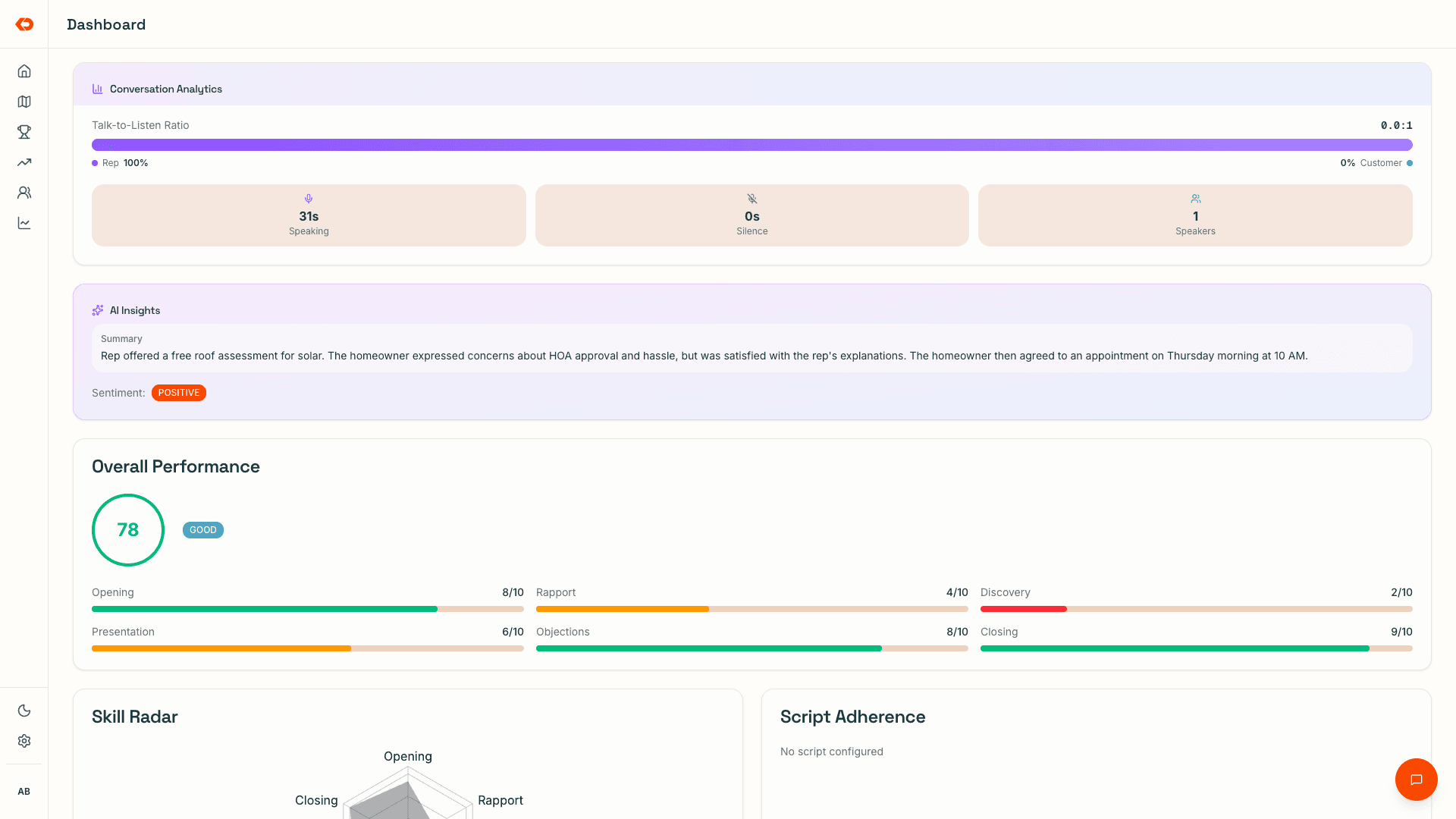
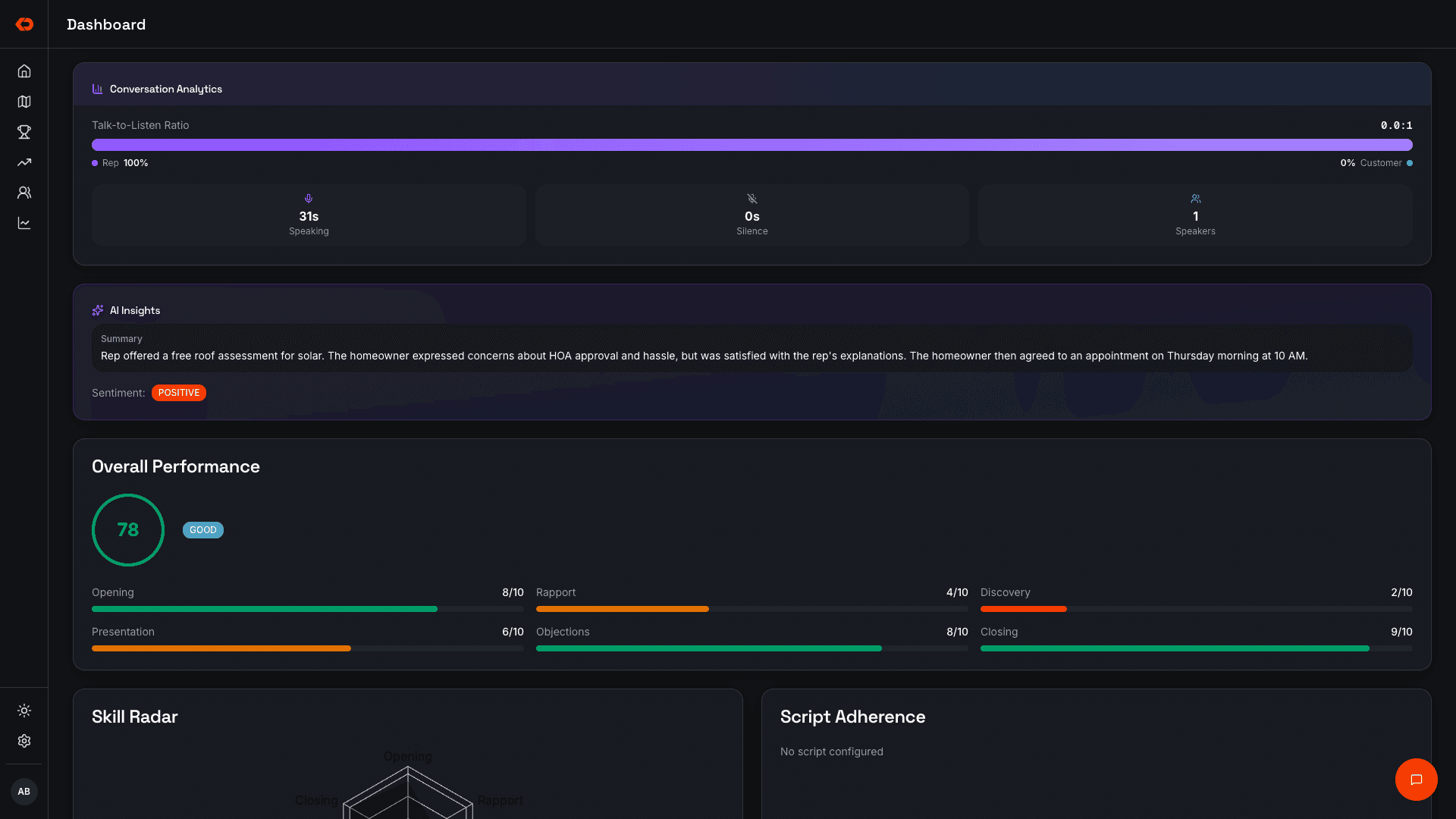
Recorded field conversations can be summarized and scored against the sales process you want the team following.
Managers can see where individual reps are struggling, which objections keep appearing, and whether the same issue is showing up repeatedly across the team.
When more detail is needed, they can open the underlying conversation.
- Conversation summaries
- Pitch scores
- Common objections
- Playbook adherence
- Rep and team coaching patterns
COMPETITIONS
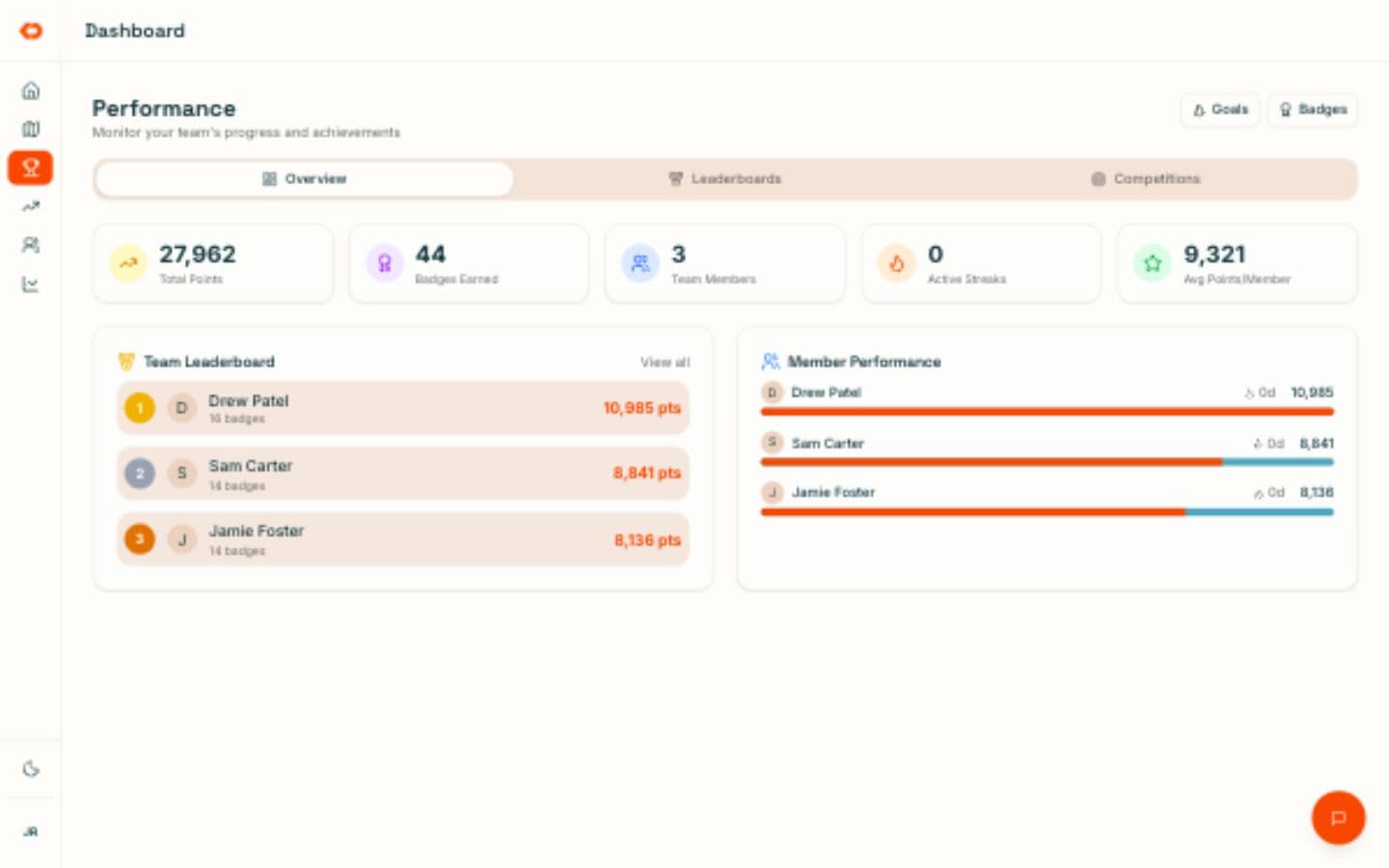
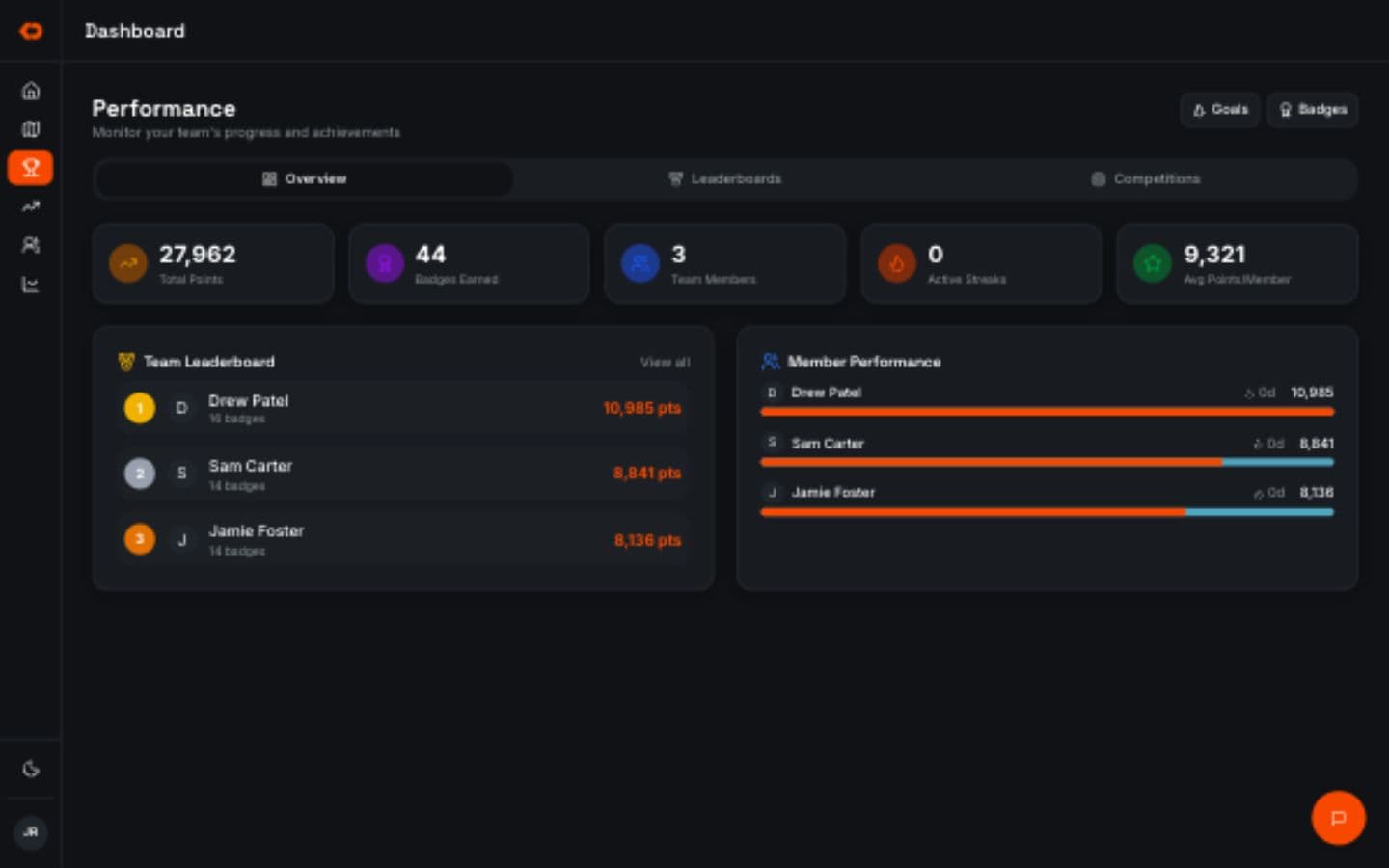
Keeptheactivityyouwantmoreofvisible.
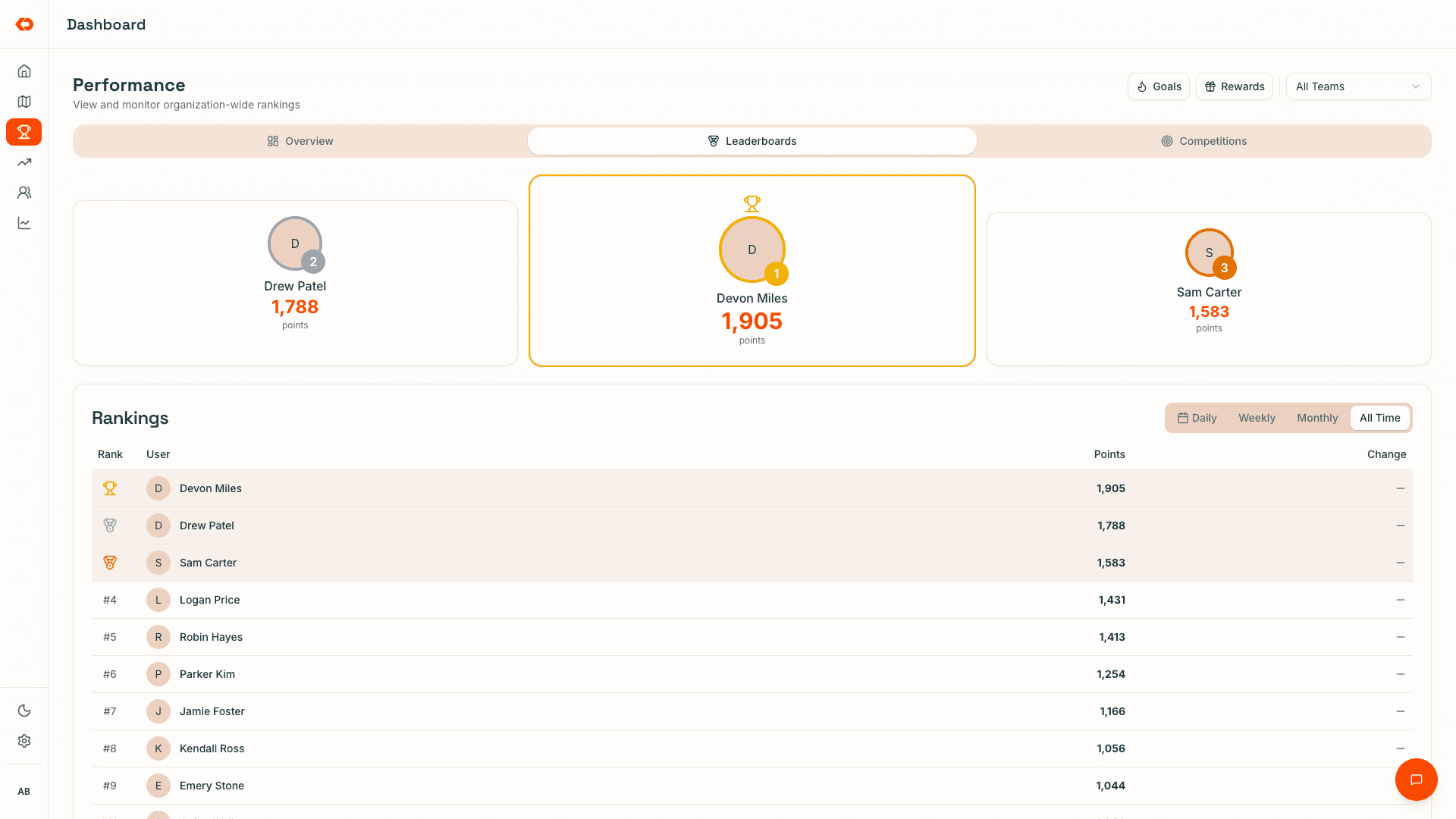
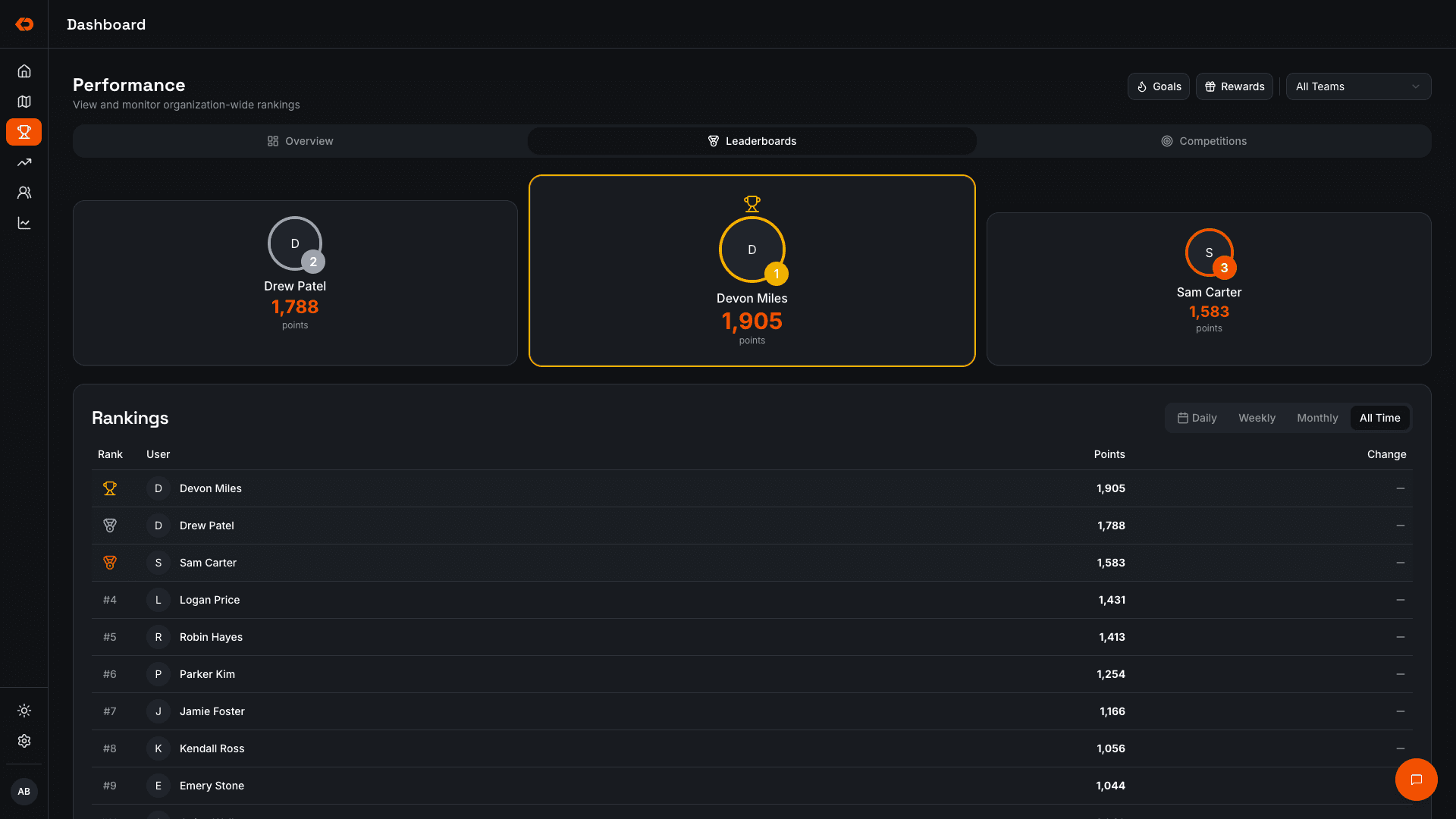
Run competitions around the activity and sales outcomes your home-improvement team tracks.
Standings update as reps work, so goals and competition progress stay visible without requiring managers to maintain another leaderboard or post manual updates throughout the day.
The competition stays connected to the same field activity already being captured inside KnockDesk.
- Individual and team competitions
- Live standings
- Goals
- Rewards
- Multiple competition formats
MANAGING THE FIELD
Seewhatneedsattentionbeforetheweekisover.
Home-improvement field managers are often trying to understand several parts of the sales operation at the same time: Which neighborhoods are getting worked? Where is coverage thin? Which reps are active? Where are interested homeowners coming from? Who needs coaching? How is the team tracking against its goals?
KnockDesk connects those parts of the field operation so managers can work from one current picture instead of collecting separate updates before they can make a decision.
Owners can see that same operating picture across teams without having to personally manage every rep or territory.
FAQ
Frequently asked questions
Yes. Neighborhoods and sales territories can be assigned to individual reps or teams, with coverage visible as the team works.
ALSO IN KNOCKDESK
Built around home-improvement field sales.
See assigned versus worked territory and adjust coverage when plans change.
See who’s active, where reps are working, and what field activity is being captured.
Review field conversations and identify where reps need help.
Keep competitions, goals, and standings visible while the team works.
BOOK A WALKTHROUGH
See how KnockDesk would work with your home-improvement sales team.
We’ll walk through how your team currently manages territory, field activity, leads, coaching, competitions, and sales — then show you how those workflows come together inside KnockDesk.
Book a Walkthrough