
Assign territory, track doors, build routes, and move interested prospects into follow-up.
TERRITORY MANAGEMENT
Knowwhatterritoryisactuallygettingworked.
Create territories, assign them to reps or teams, and see coverage update as the field moves.
Compare the territory you planned to work with what actually happened in the field — then adjust coverage while there’s still time to change the result.
ASSIGNMENT
Giveeveryrepclearterritorytowork.
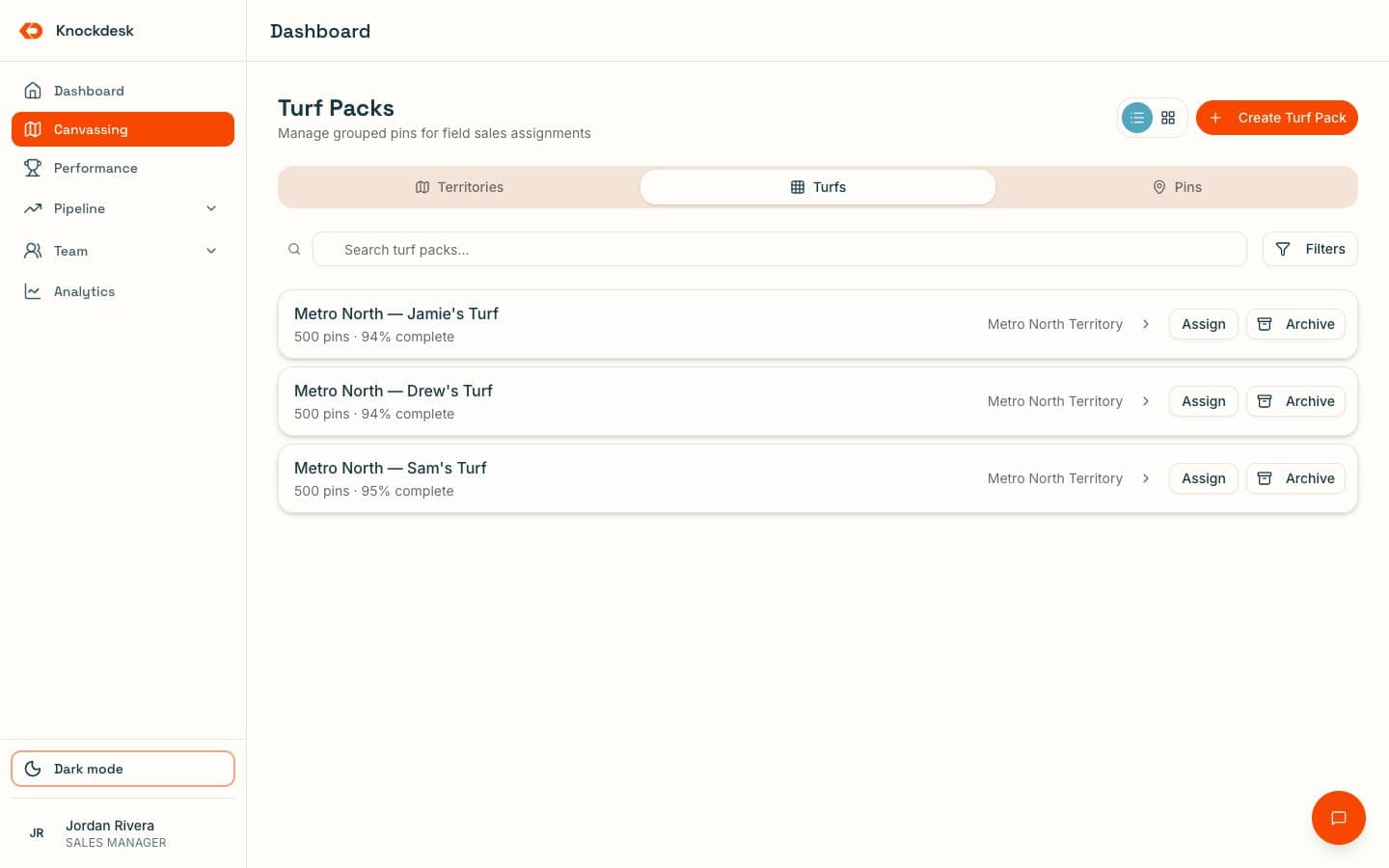
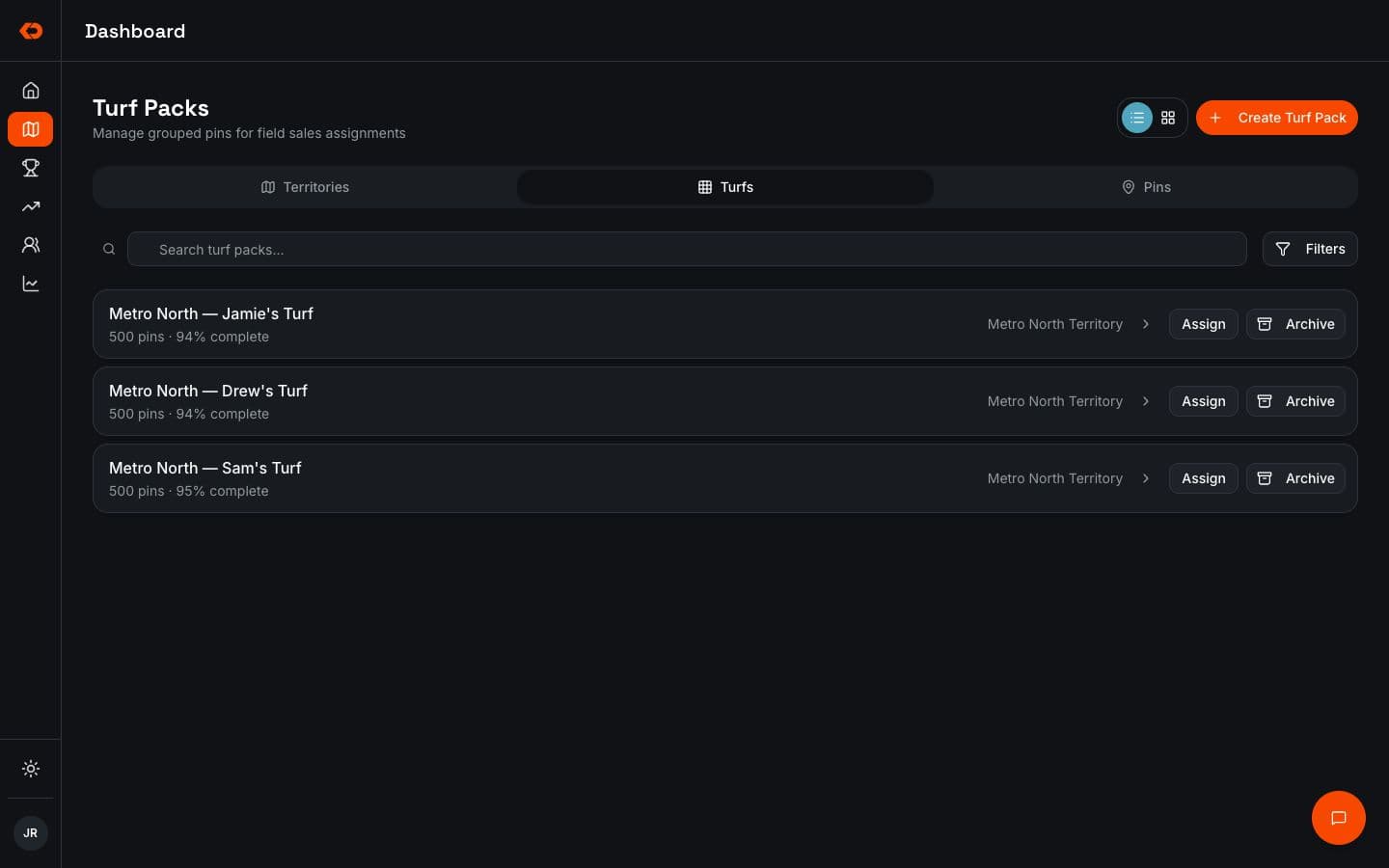
Create territories and turf packs, then assign them to individual reps or teams.
Reps can see what they’re responsible for in the field, while managers can see how territory has been distributed across the team and update assignments when plans change.
- Assign territory to reps or teams
- Create turf packs
- Keep assignments visible in the field
- Update assignments when plans change
COVERAGE
Seeassignedterritoryversusworkedterritory.
Assigning an area doesn’t mean it got covered.
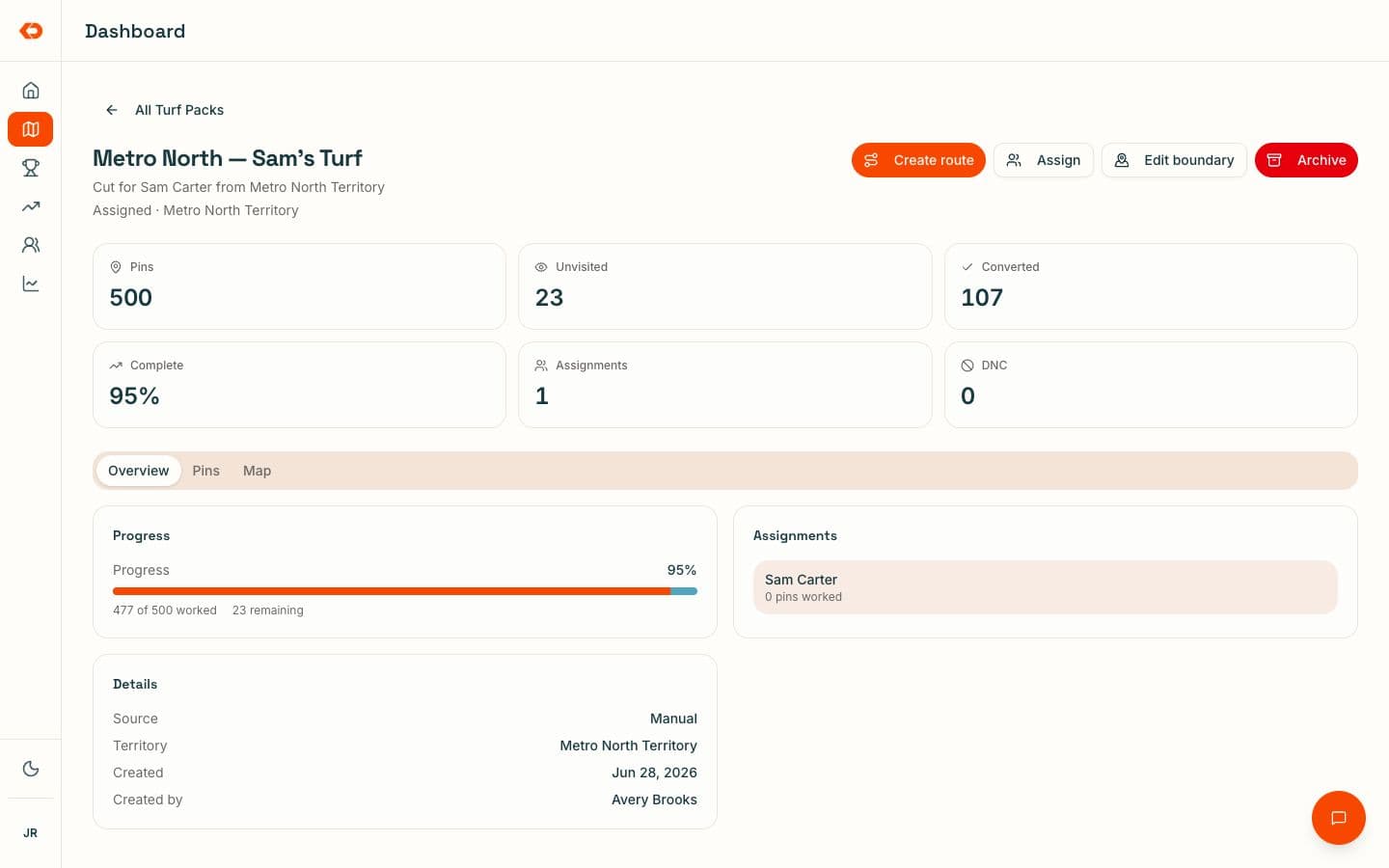
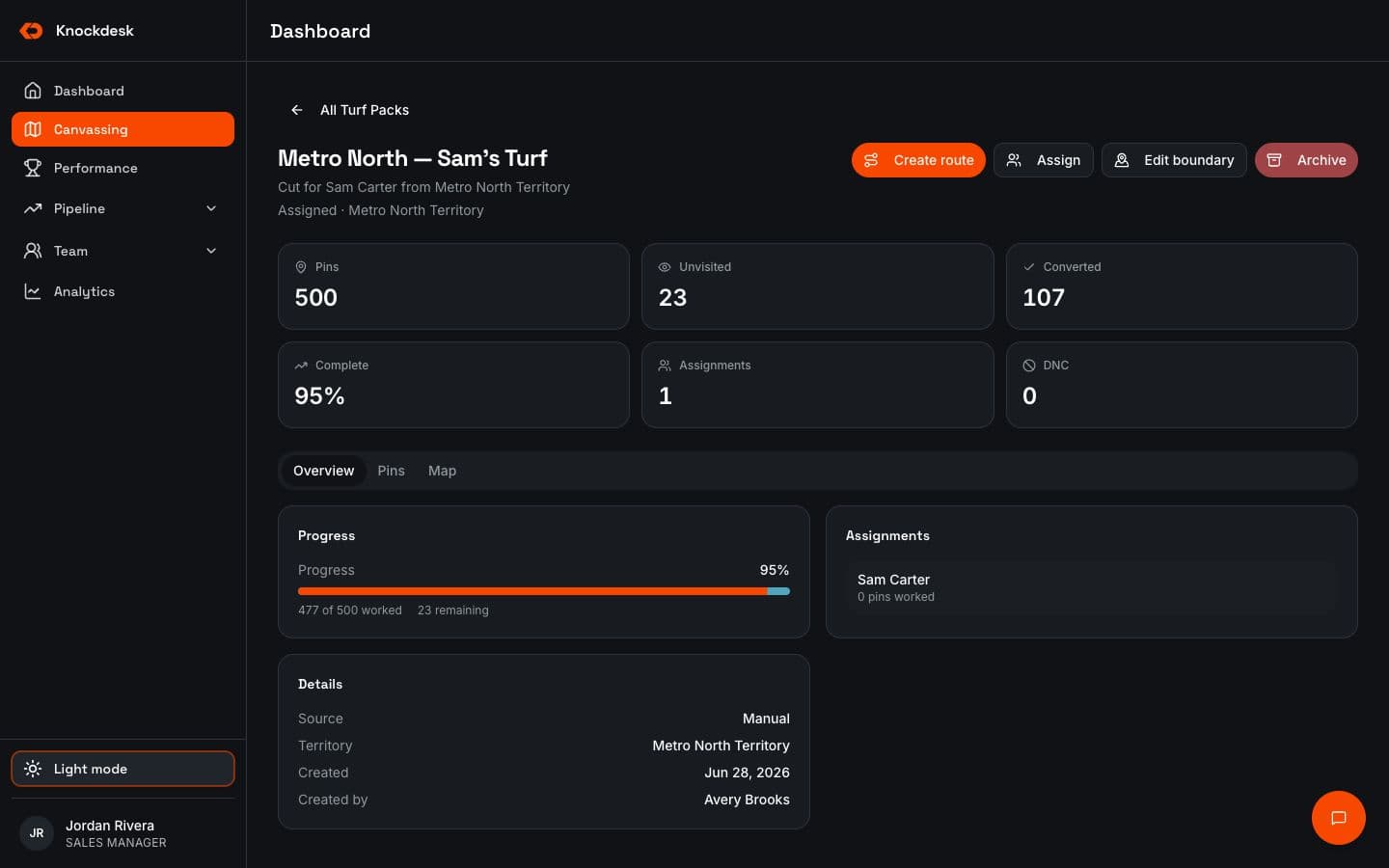
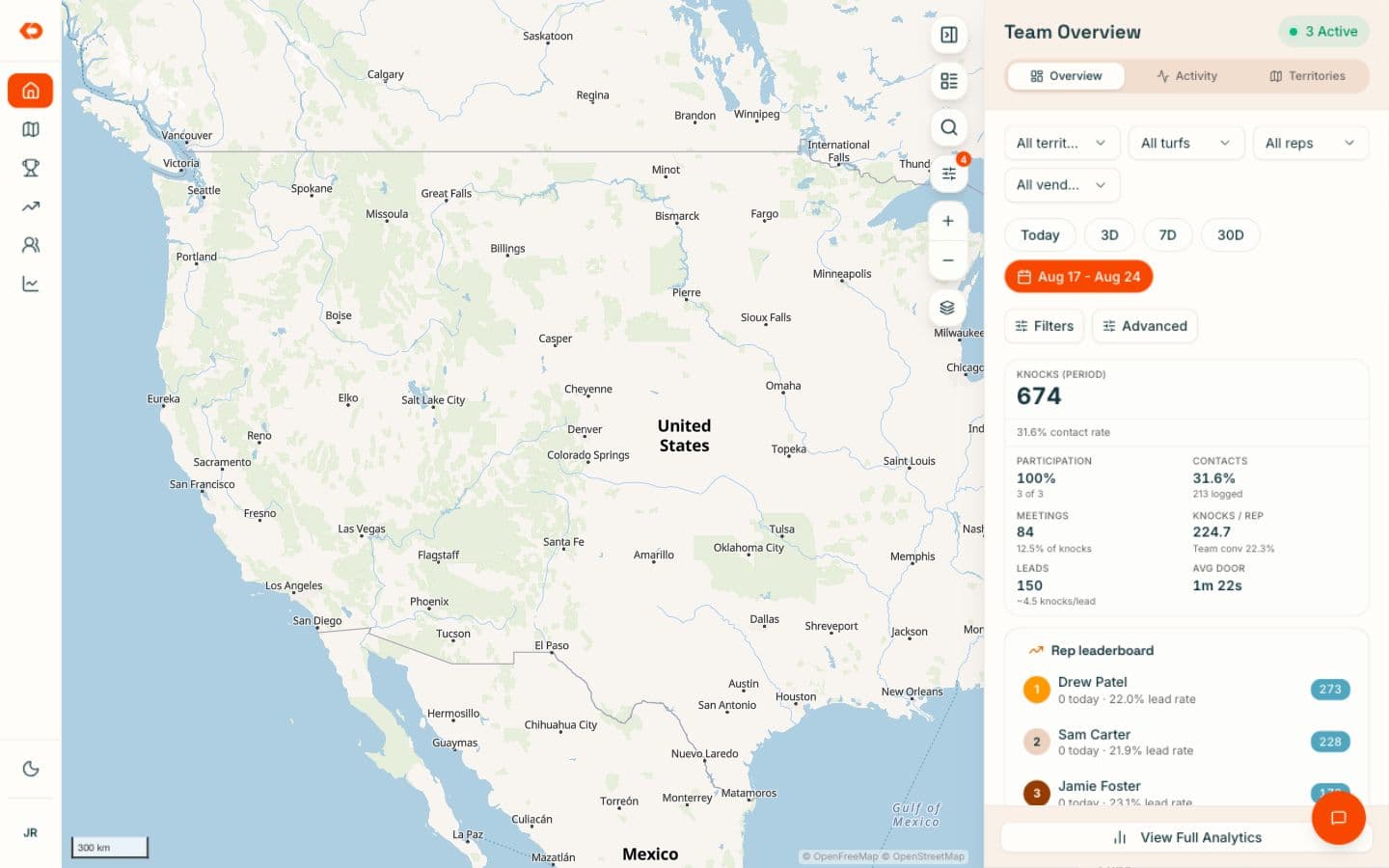
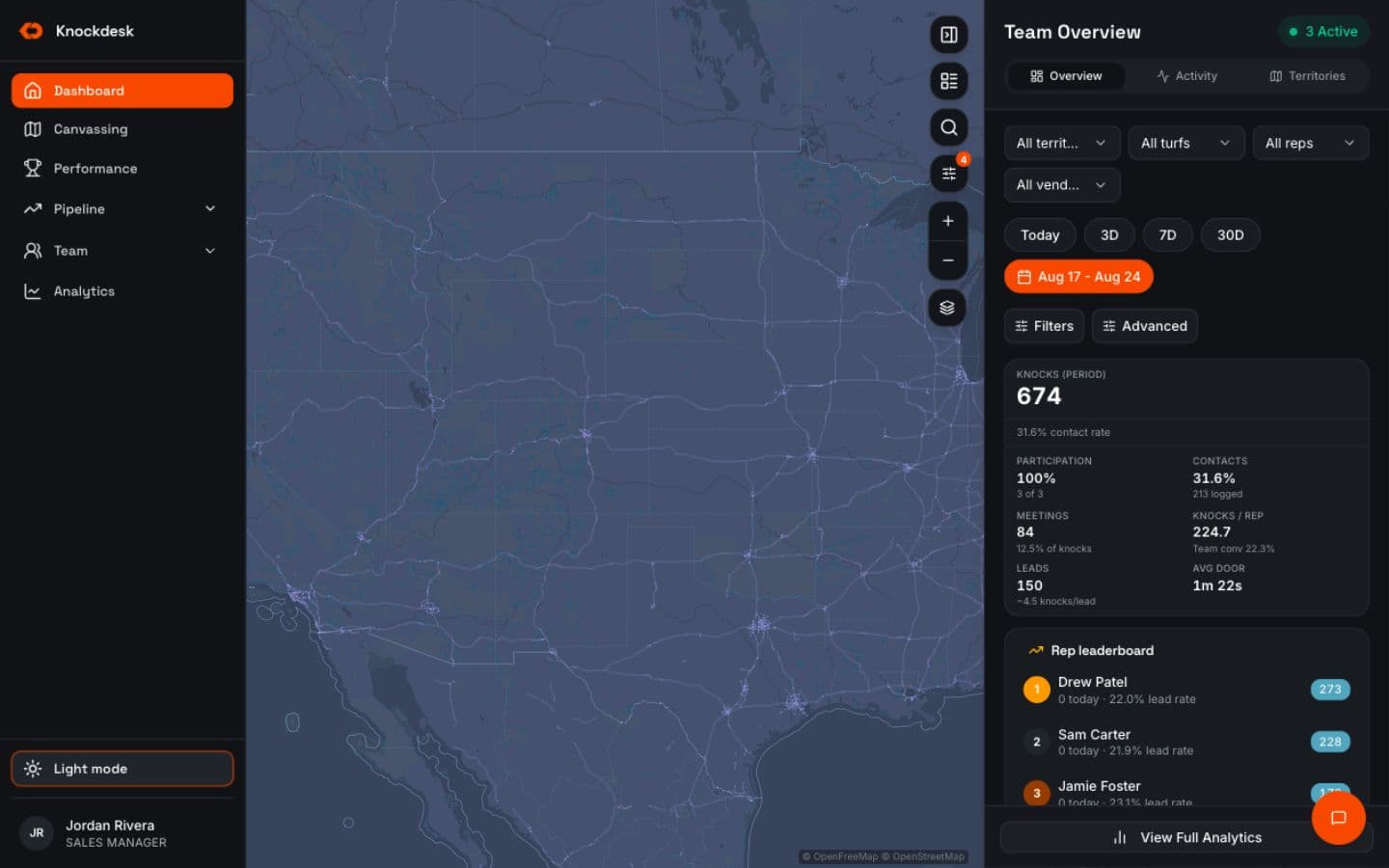
As reps work, KnockDesk shows which doors and areas have been worked and which are still open.
Managers can compare the assignment with the actual coverage, see where progress is strong or thin, and understand what still needs attention.
- Worked and unworked areas
- Door status across the territory
- Coverage by rep or team
- Field activity tied to the assigned area
REASSIGNMENT
Adjusttheplanbeforetheweekisover.
When coverage isn’t developing as expected, managers can see the gap while there’s still time to respond.
Move people, reassign territory, or shift coverage between teams based on what’s actually happening instead of waiting for an end-of-week recap.
- Identify lightly worked areas
- Reassign territory
- Shift coverage between reps or teams
- Respond while the selling period is still open
DOOR HISTORY
Keeptheteamfromrepeatingfinishedwork.
Every visit stays connected to the door.
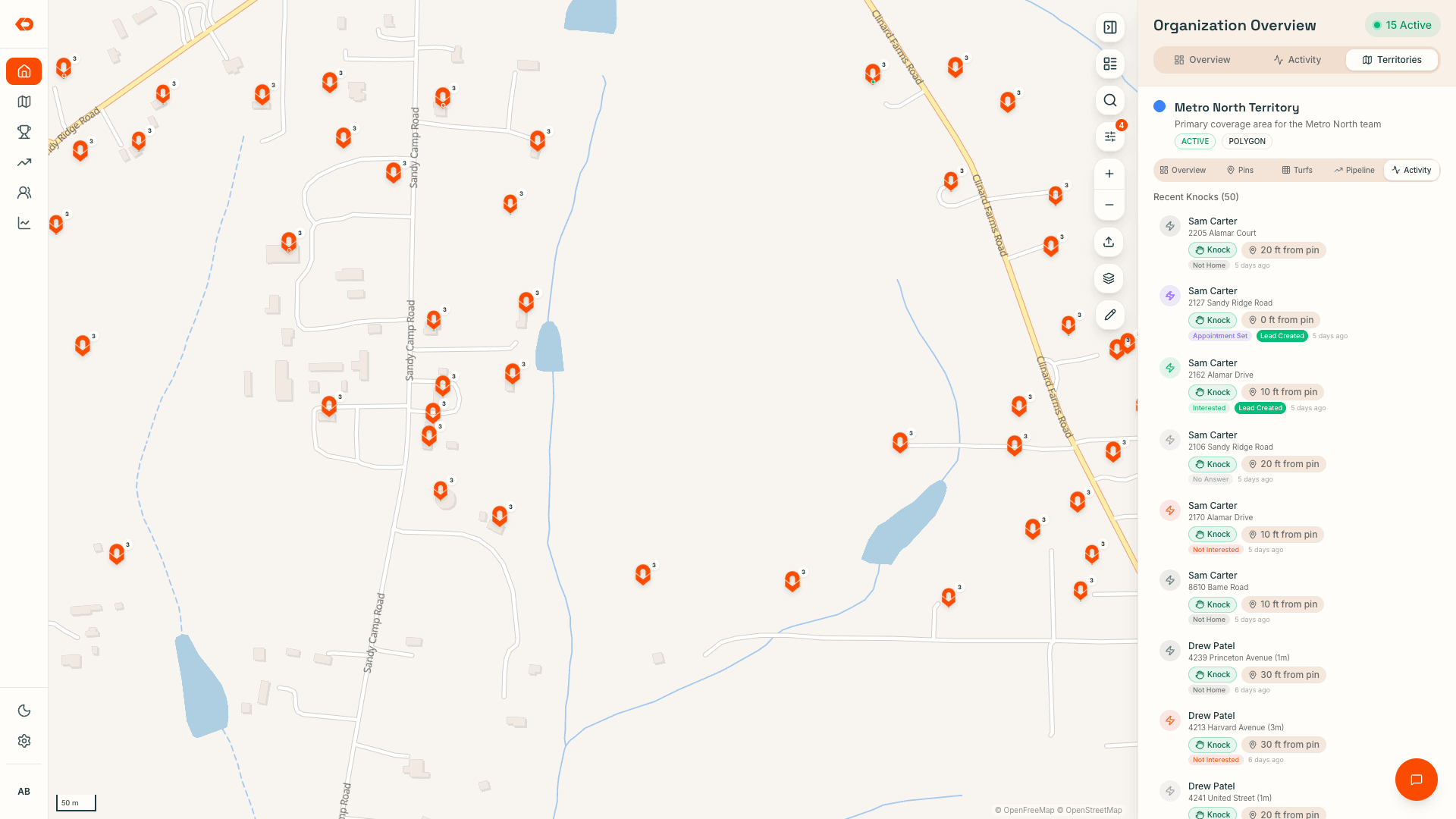
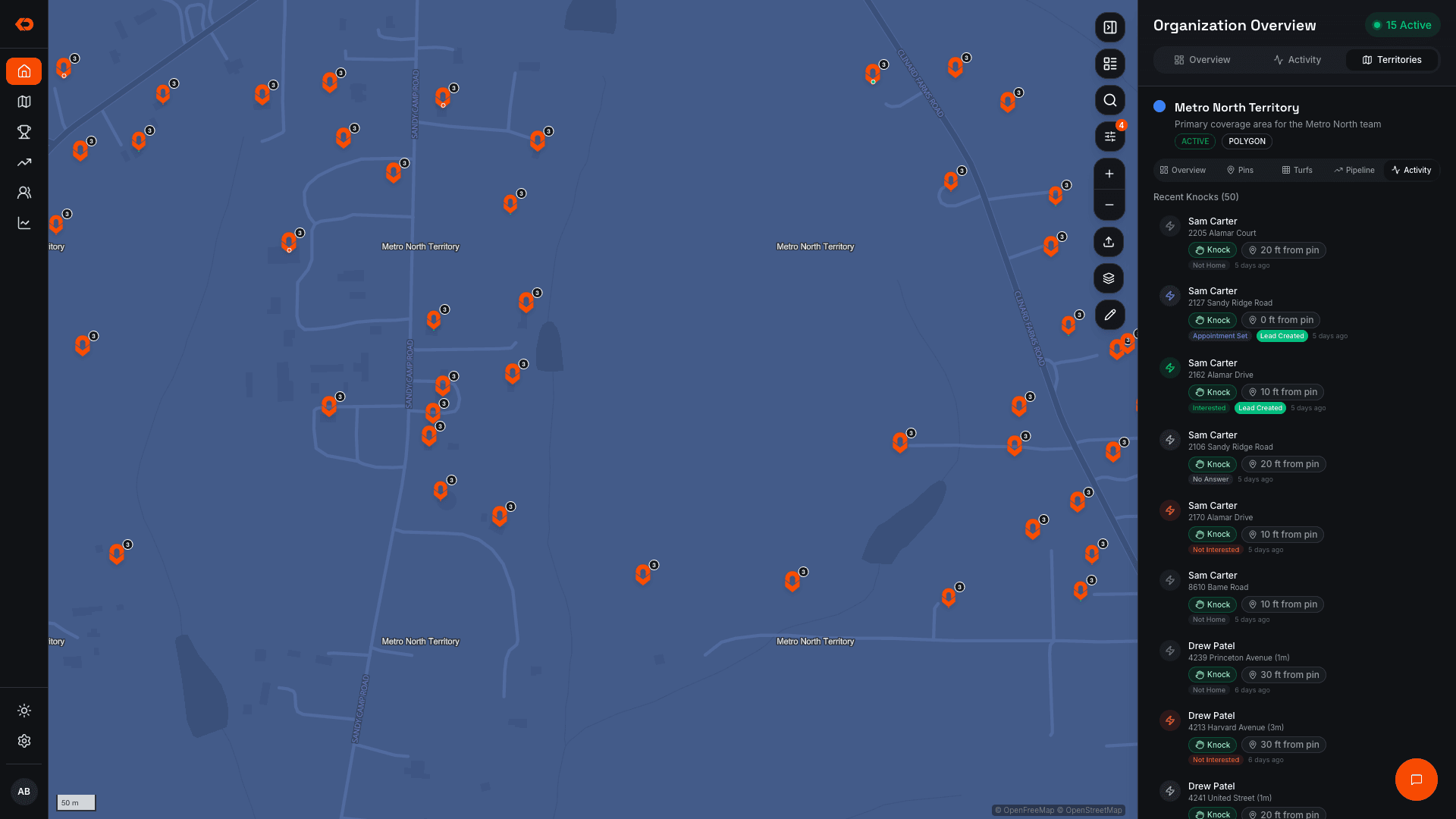
Reps can see previous visit information before working an area, and completed doors remain visible across the team so territory that has already been covered doesn’t become somebody else’s work again.
- Previous visit history
- Current door status
- Outcomes tied to the location
- Worked doors visible across the team
FIELD ACTIVITY
Seewhathappenedinsidetheterritory.
Coverage becomes more useful when managers can see the activity behind it.
KnockDesk connects territory to visits, outcomes, leads, and rep activity so the map isn’t just showing where people were assigned — it shows what happened as the territory was worked.
That lets managers understand both:
Where did the team work?
What happened there?
For people-level visibility into who is active, where reps are working, and verified field visits, see Sales Rep Tracking.
- Visits
- Outcomes
- Leads
- Rep activity
FAQ
Frequently asked questions
Yes. Territories and turf packs can be assigned to individual reps or teams so everyone can see what they are responsible for.
ALSO IN KNOCKDESK
Territory is one part of the field workflow.
See who’s working, where field activity is happening, and what visits have been verified.
See where the team needs attention across territory, coaching, goals, and field activity.
BOOK A WALKTHROUGH
See how your team could manage territory in KnockDesk.
We’ll walk through how you assign and review territory today, then show you how assignments, coverage, door activity, and reassignment work inside KnockDesk.
Book a Walkthrough