
Built for teams serious about door-to-door sales
Get more from the reps you already have.
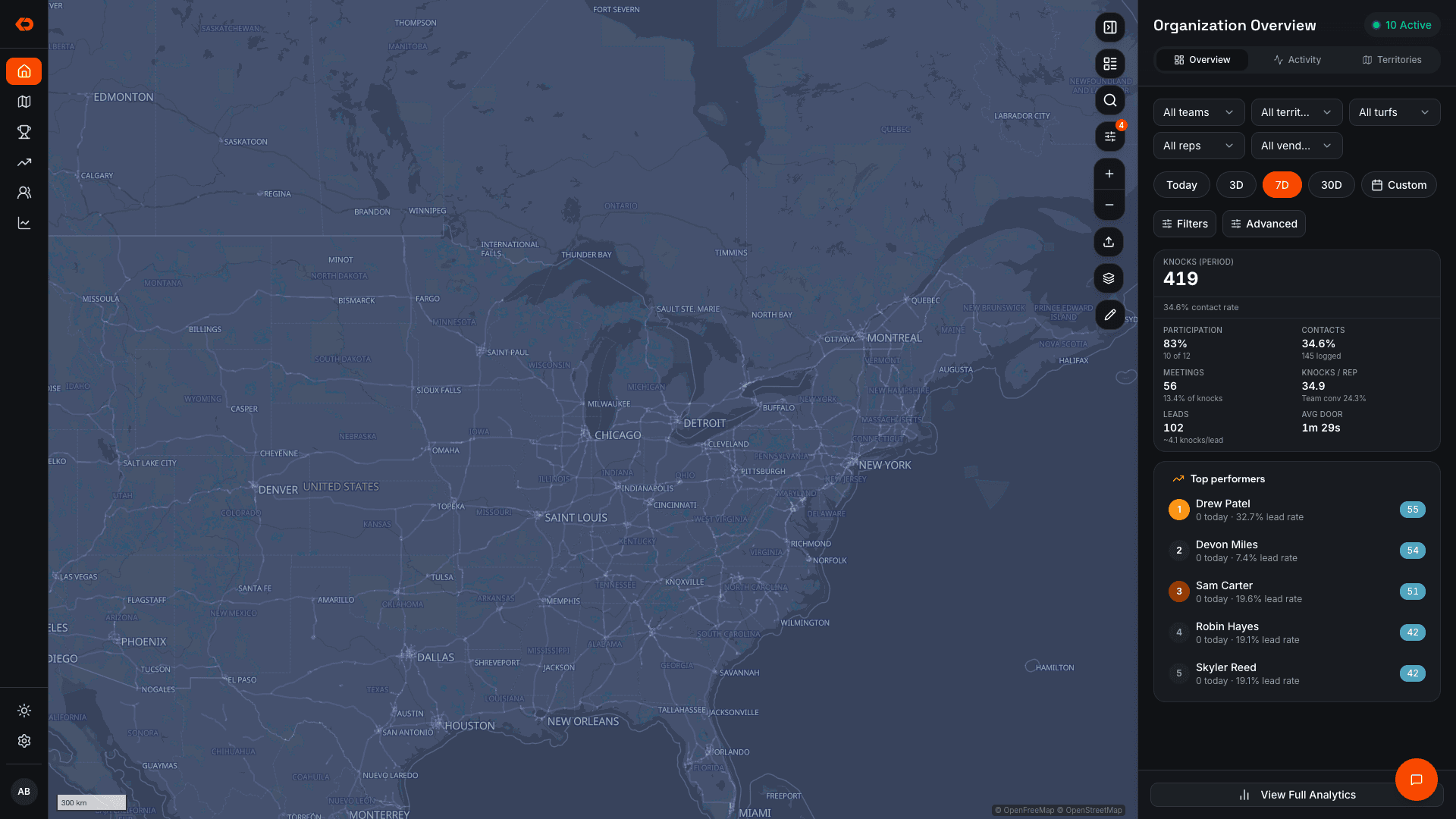
See where your reps are working, what territory is getting covered, and what’s happening at every door — so you know where the team needs attention while there’s still time to improve the week.
Book a Walkthrough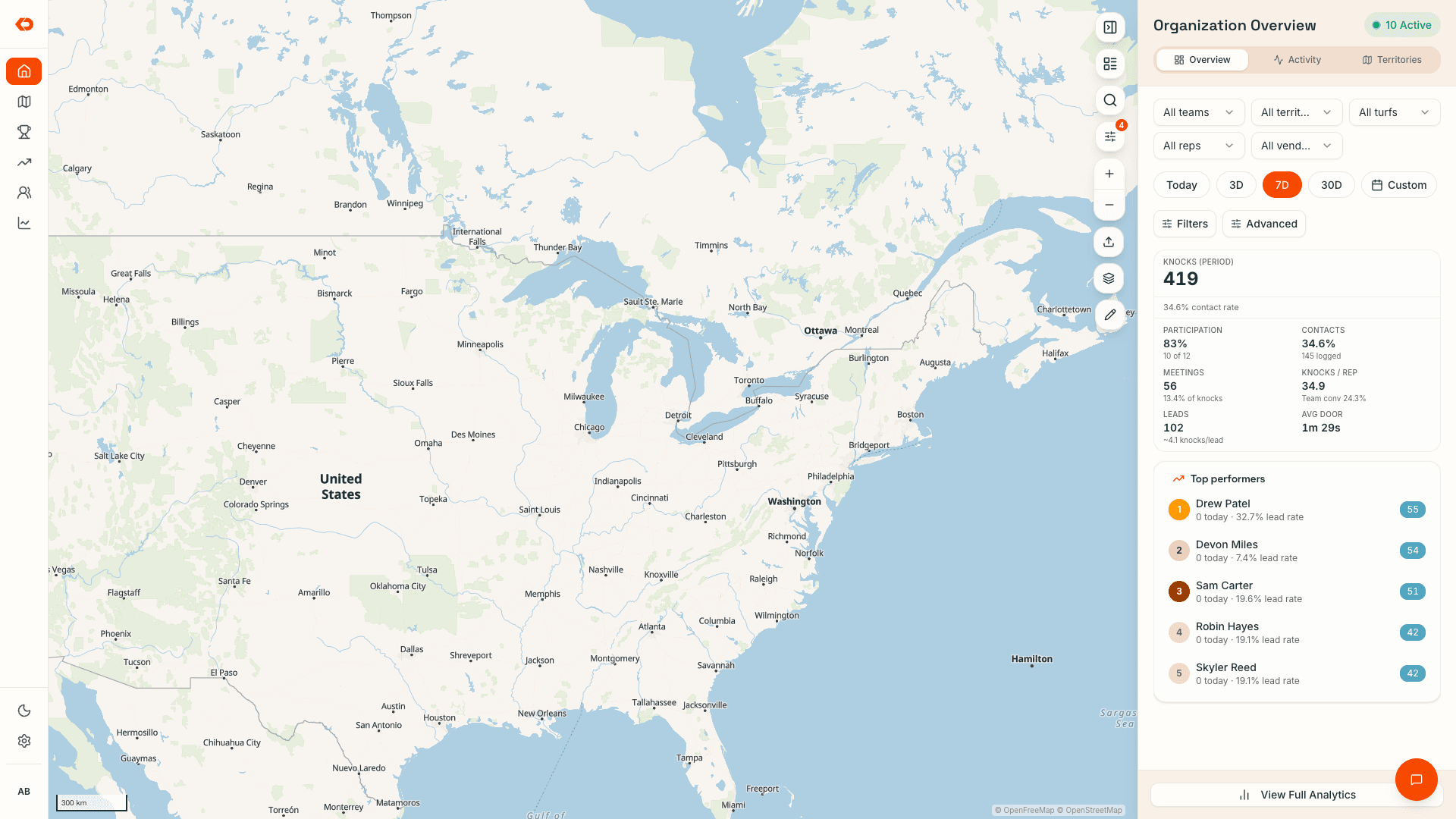
The number isn’t the whole story
See what’s happening behind the sales number.
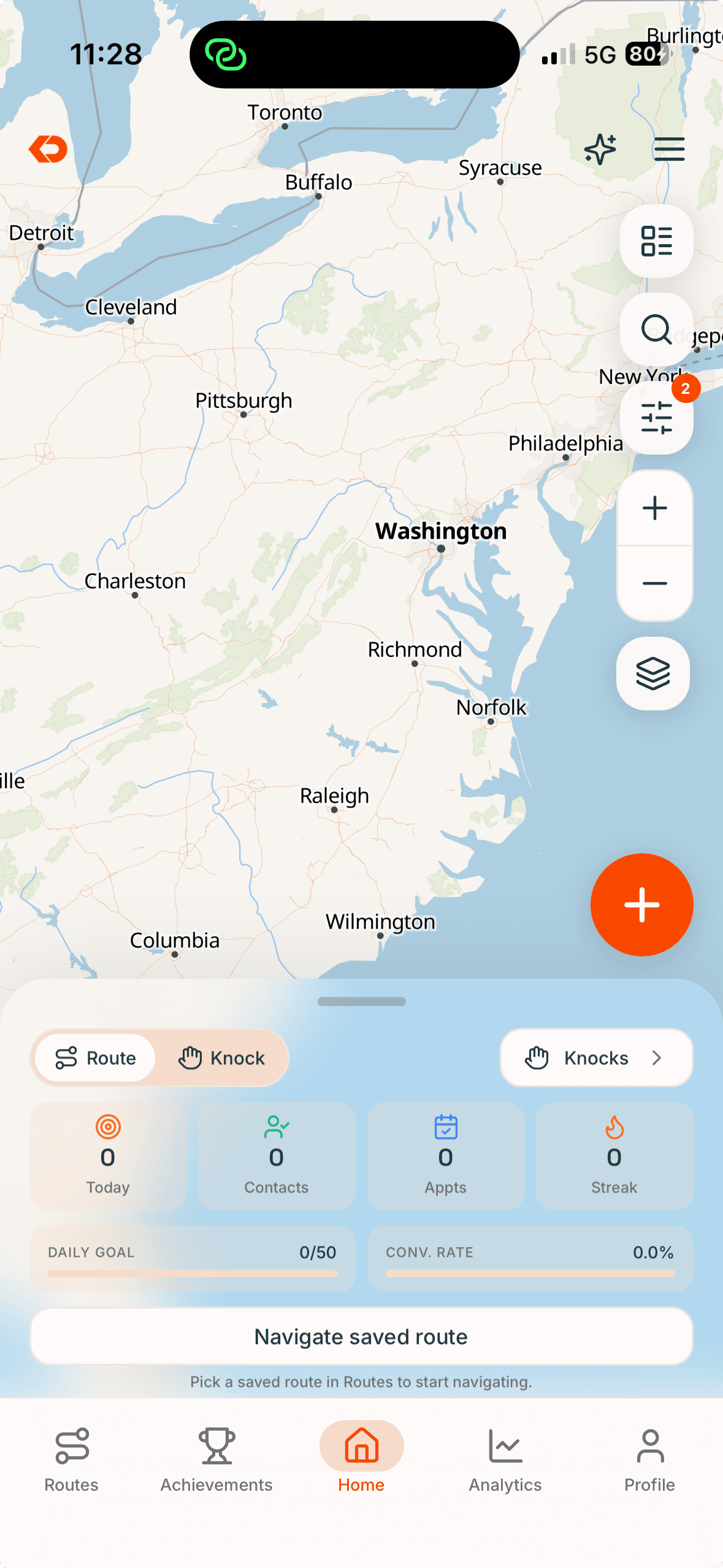
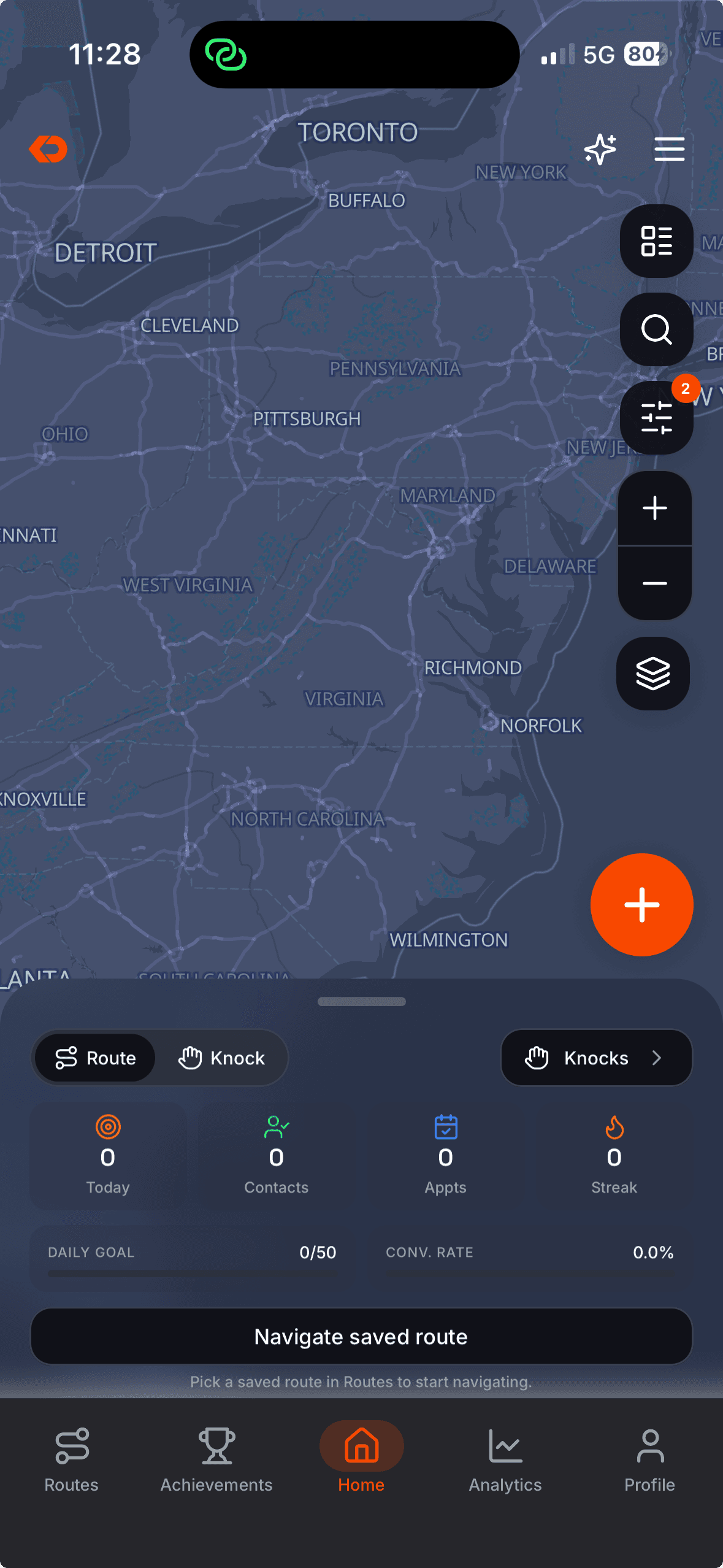
Sales tell you where the week ended. KnockDesk shows you the work underneath it — territory activity, rep activity, conversations, leads, sales, and team progress — while there’s still time to act.
That visibility comes together across three core workflows:
Canvass. Coach. Compete.
Territory & Field Activity
Know what got worked — and what didn’t.
Assign territory to reps or teams, see coverage update as doors are worked, and know where people are operating throughout the day.
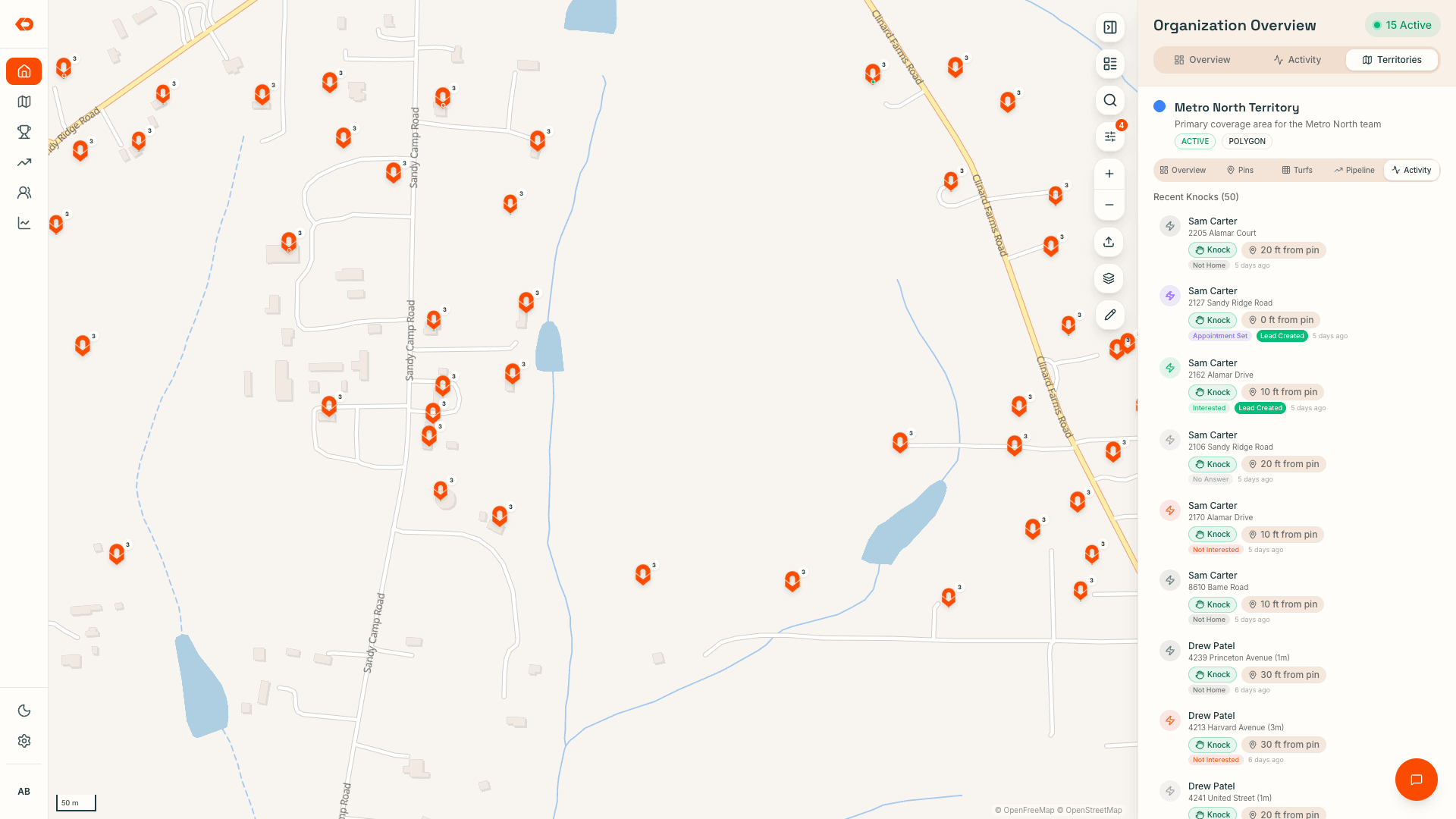
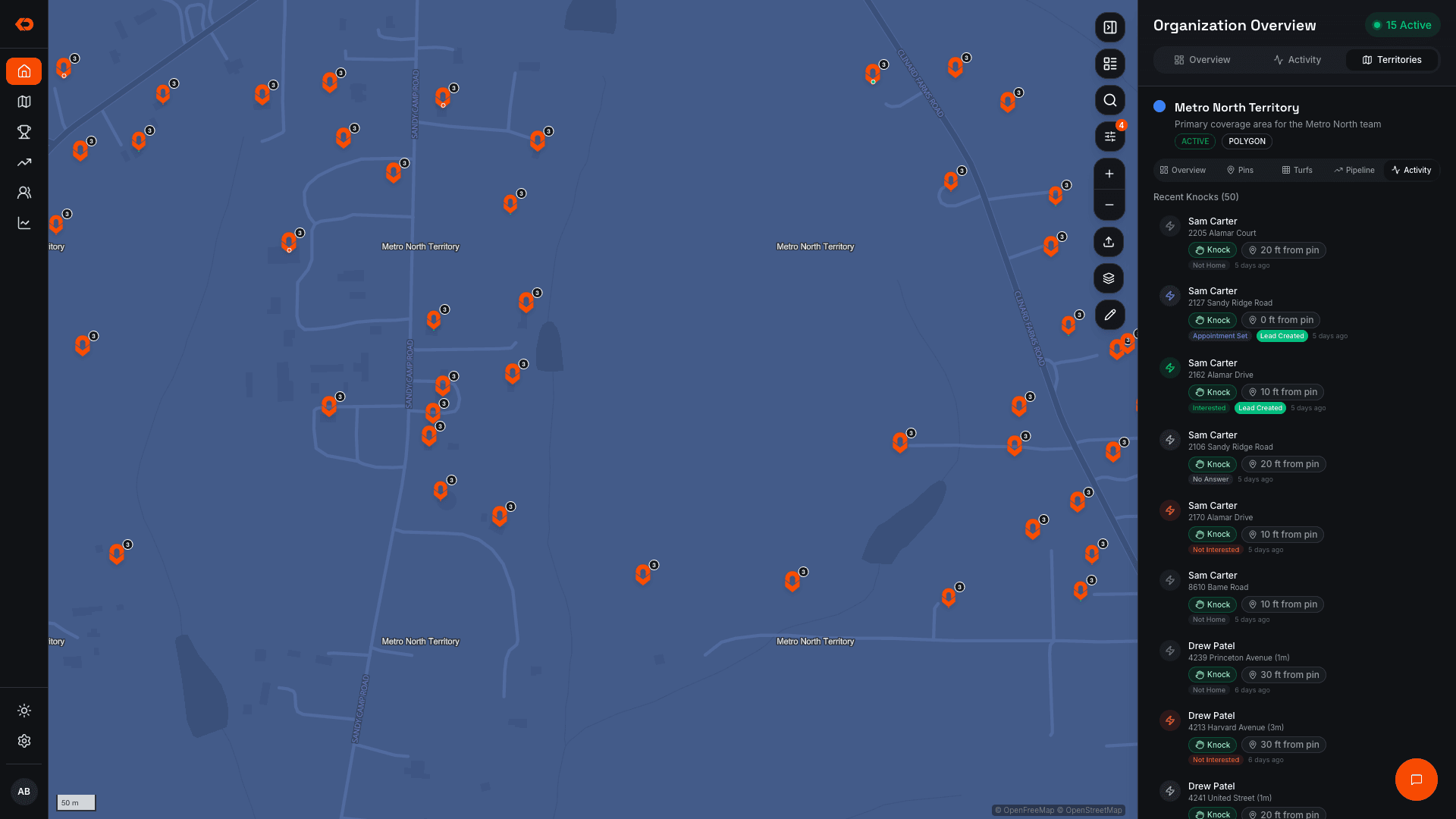
Every visit stays connected to the door — including the outcome, visit history, and whether the activity was verified — so managers can see what’s been worked, what’s still open, and where coverage needs attention.
- Assigned territory
- Rep locations and activity
- Worked and unworked areas
- Door-by-door history
- Verified field activity
Conversations & Rep Development
See where conversations are breaking down.
KnockDesk turns recorded field conversations into summaries, pitch scores, and coaching insights.
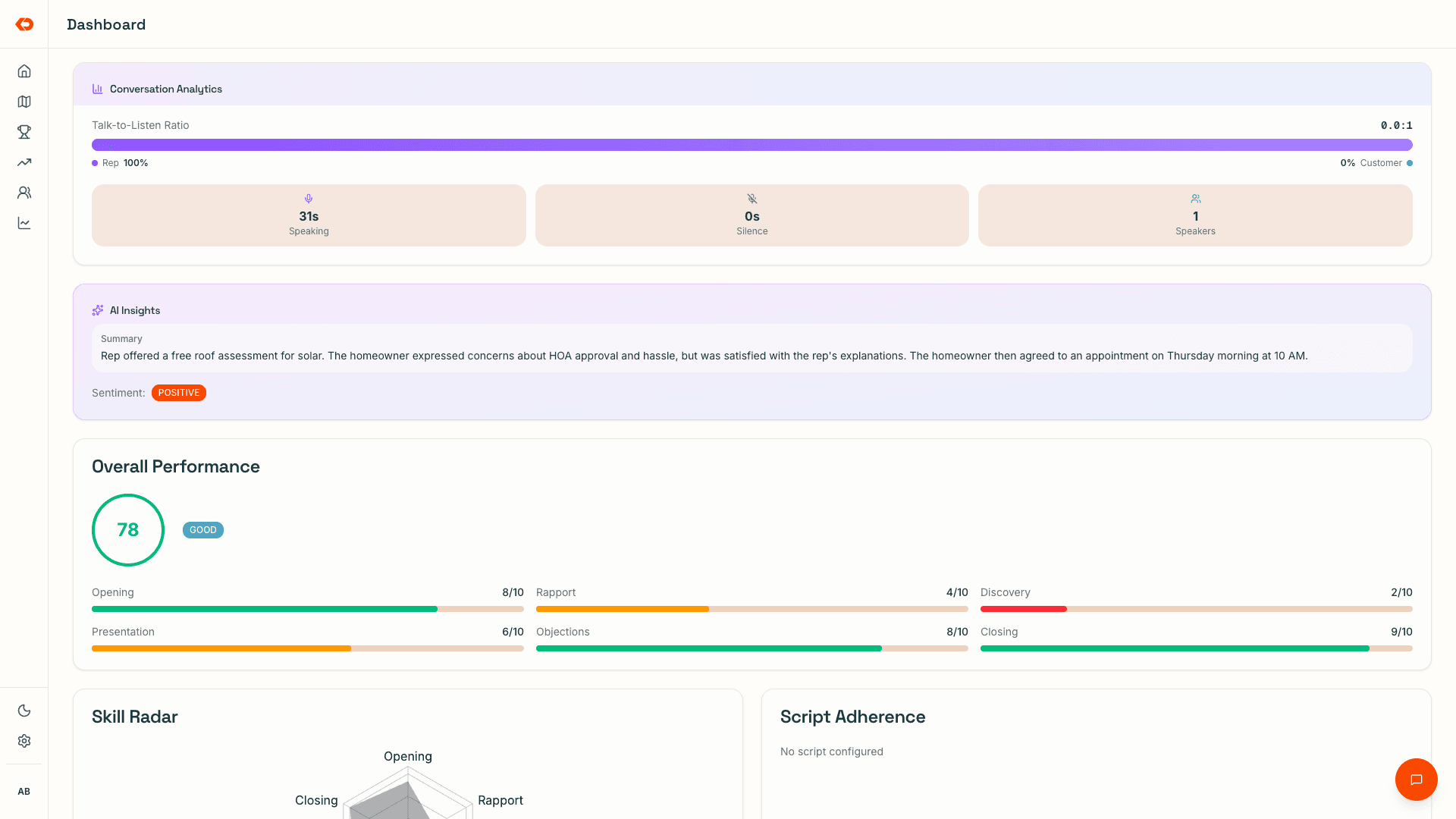
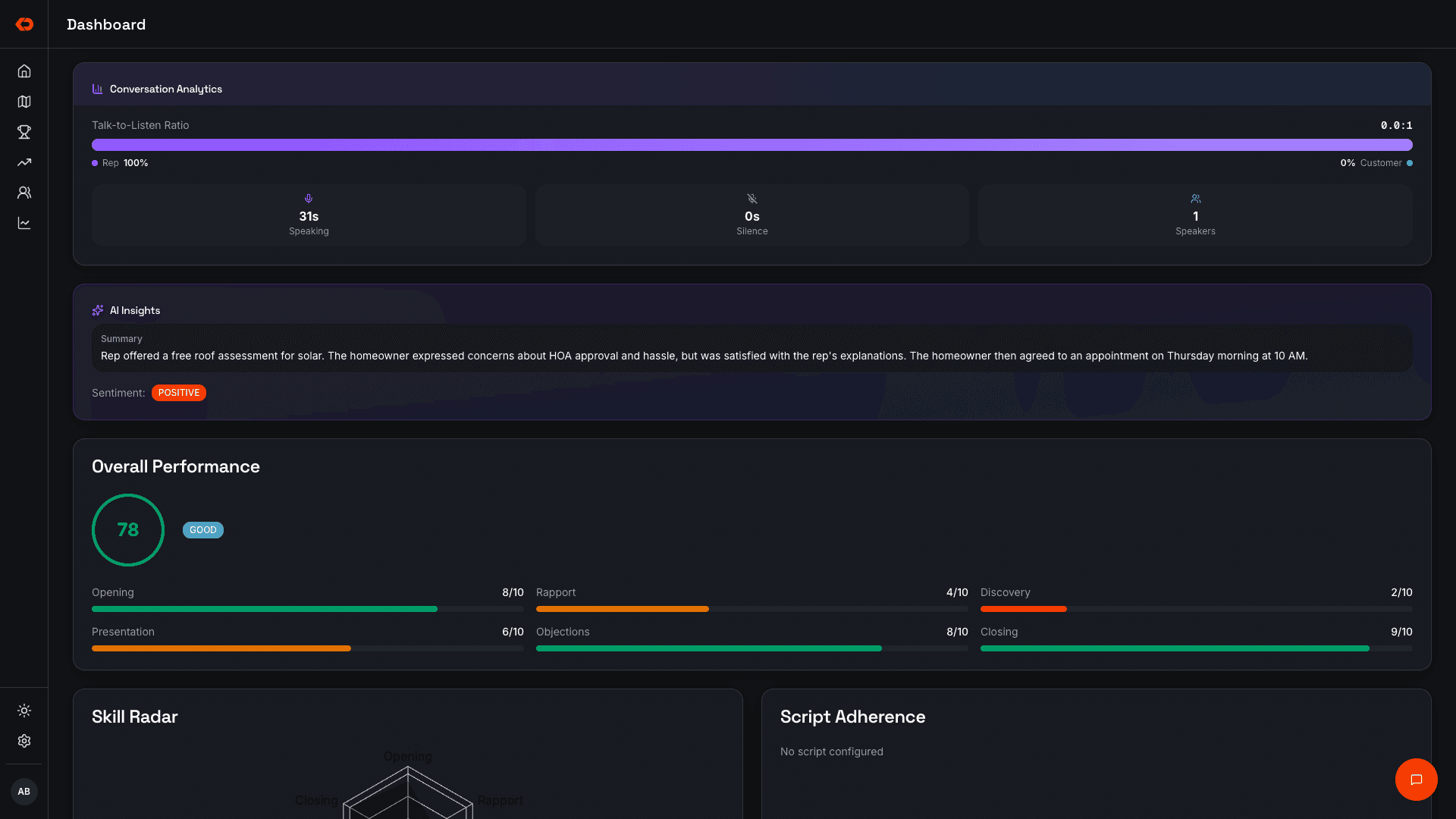
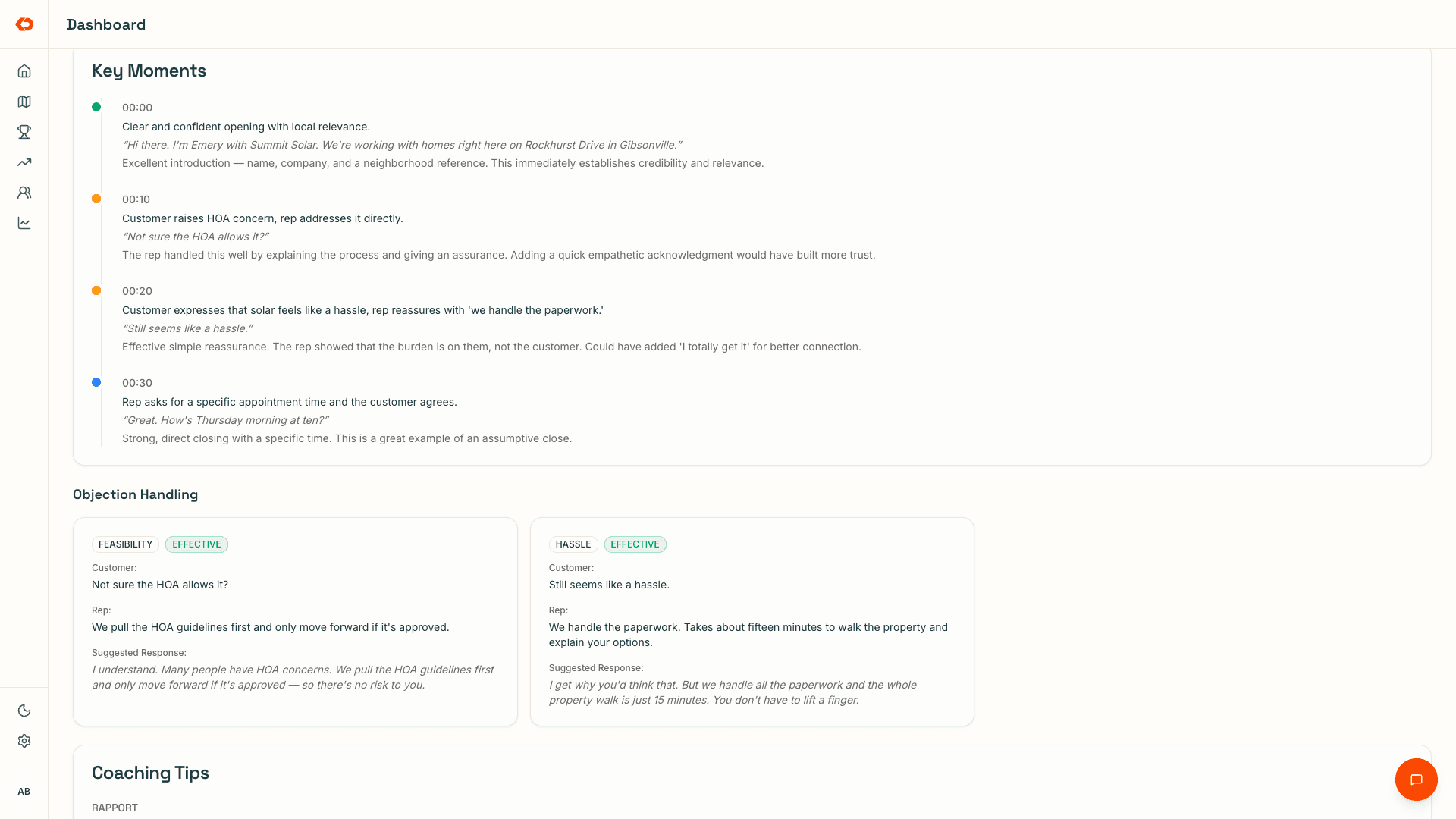
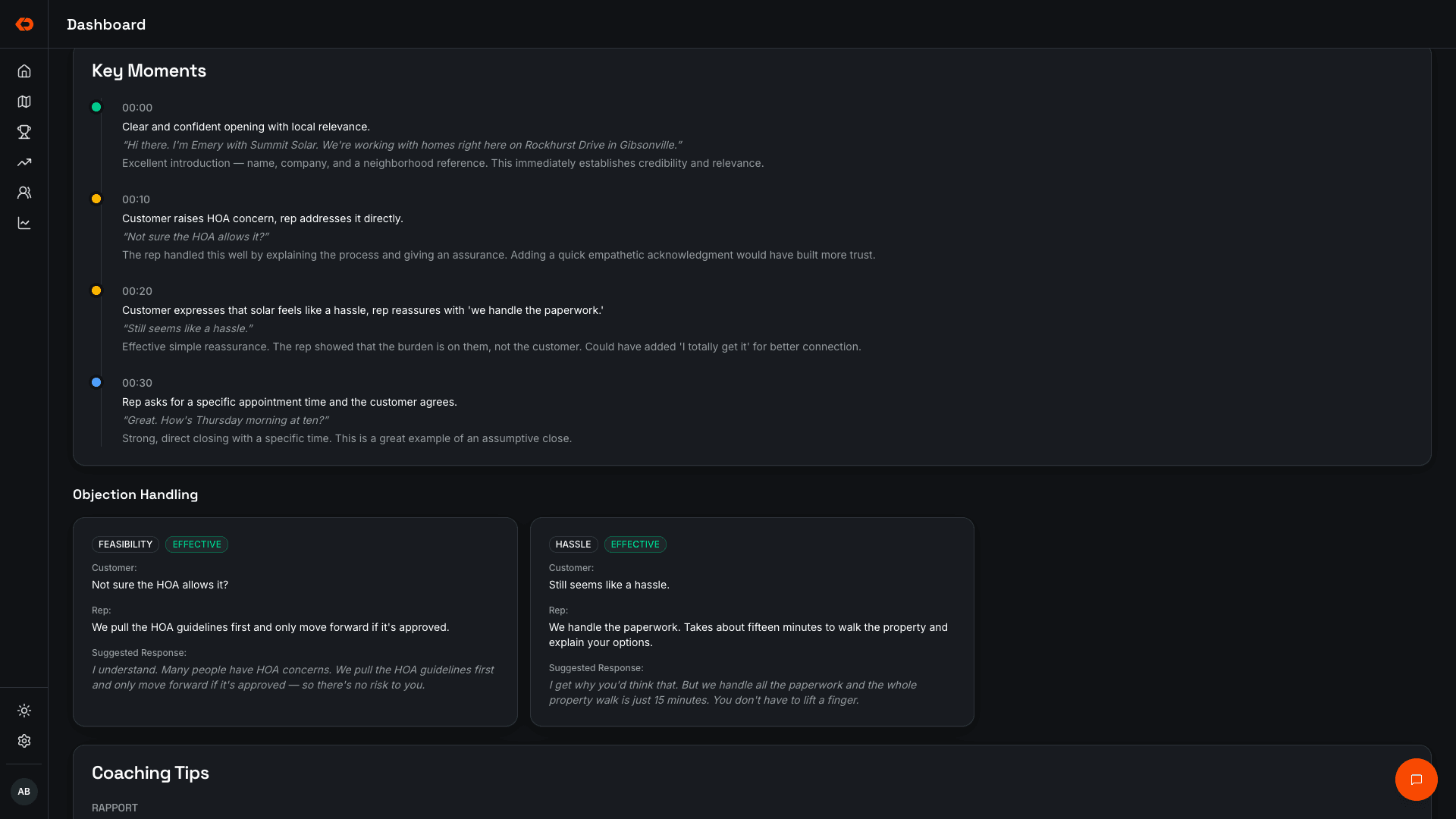
Managers can see where individual reps are struggling, which objections keep showing up, and what the strongest reps are doing differently — then listen to the full conversation when more context is needed.
- Conversation summaries
- Pitch scores
- Playbook feedback
- Rep and team coaching patterns
Goals, Competitions & Standings
Keep goals and competitions visible while the team works.
Run competitions around knocks, leads, appointments, sales, or other activity your team tracks.
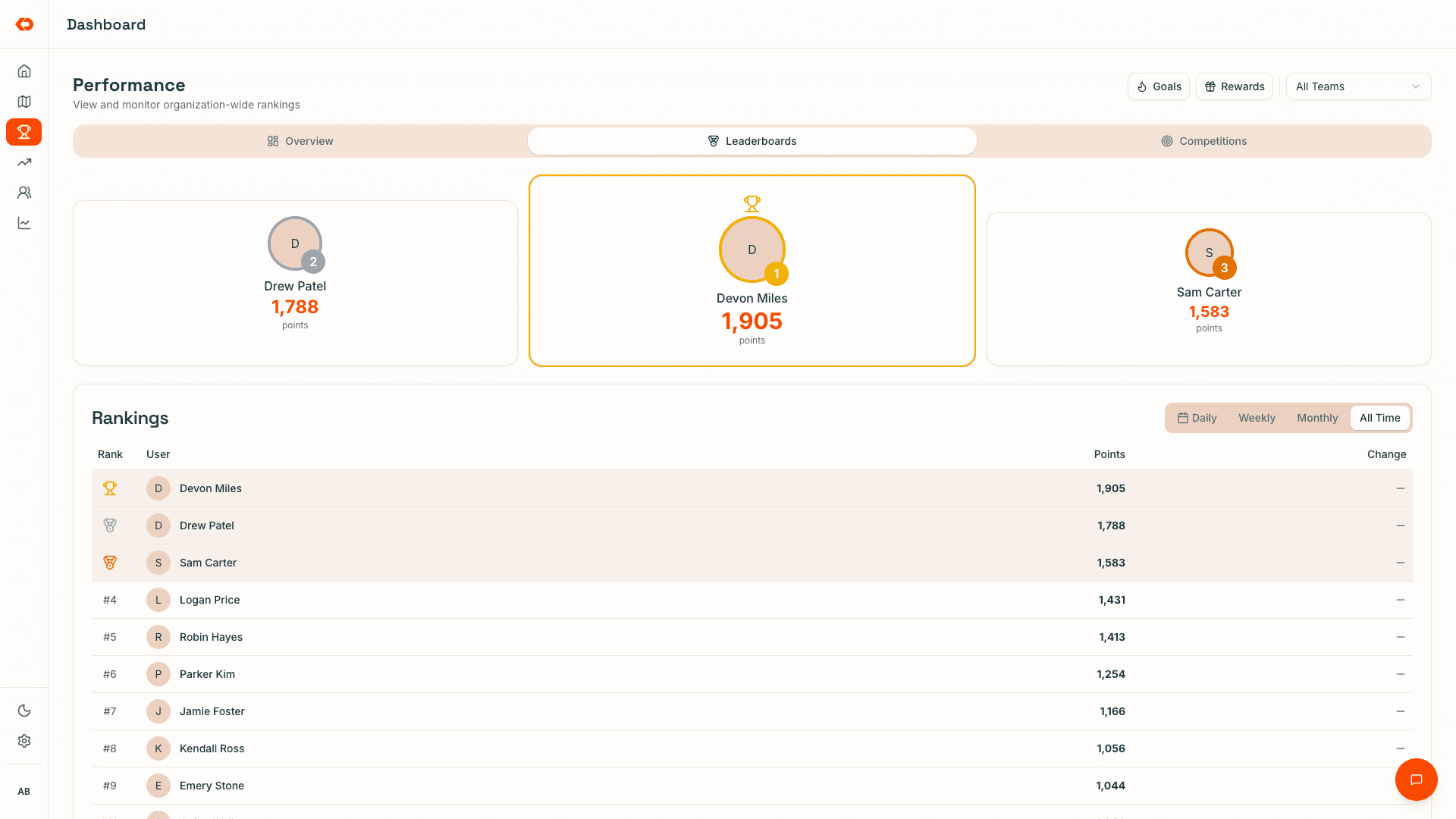
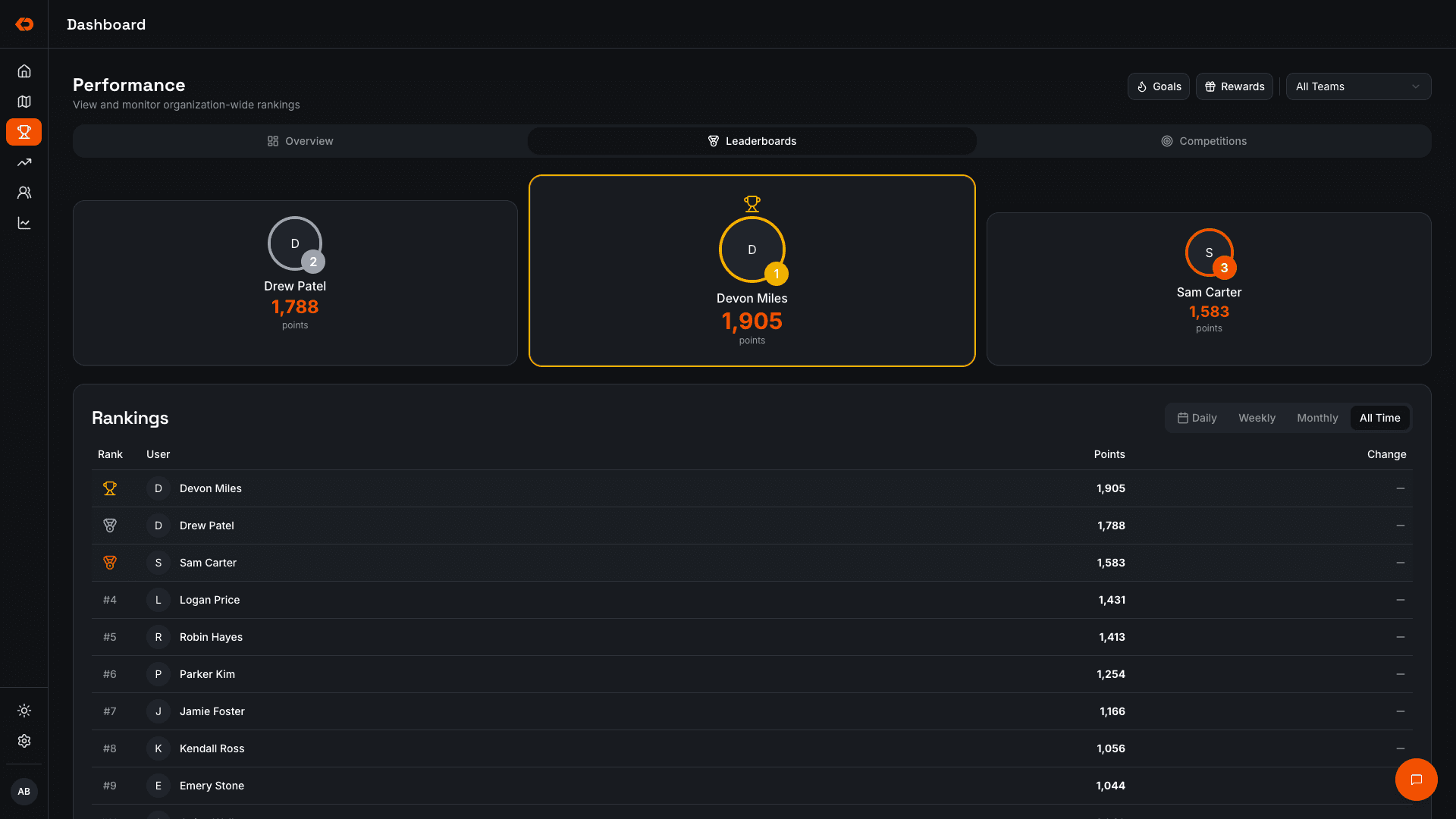
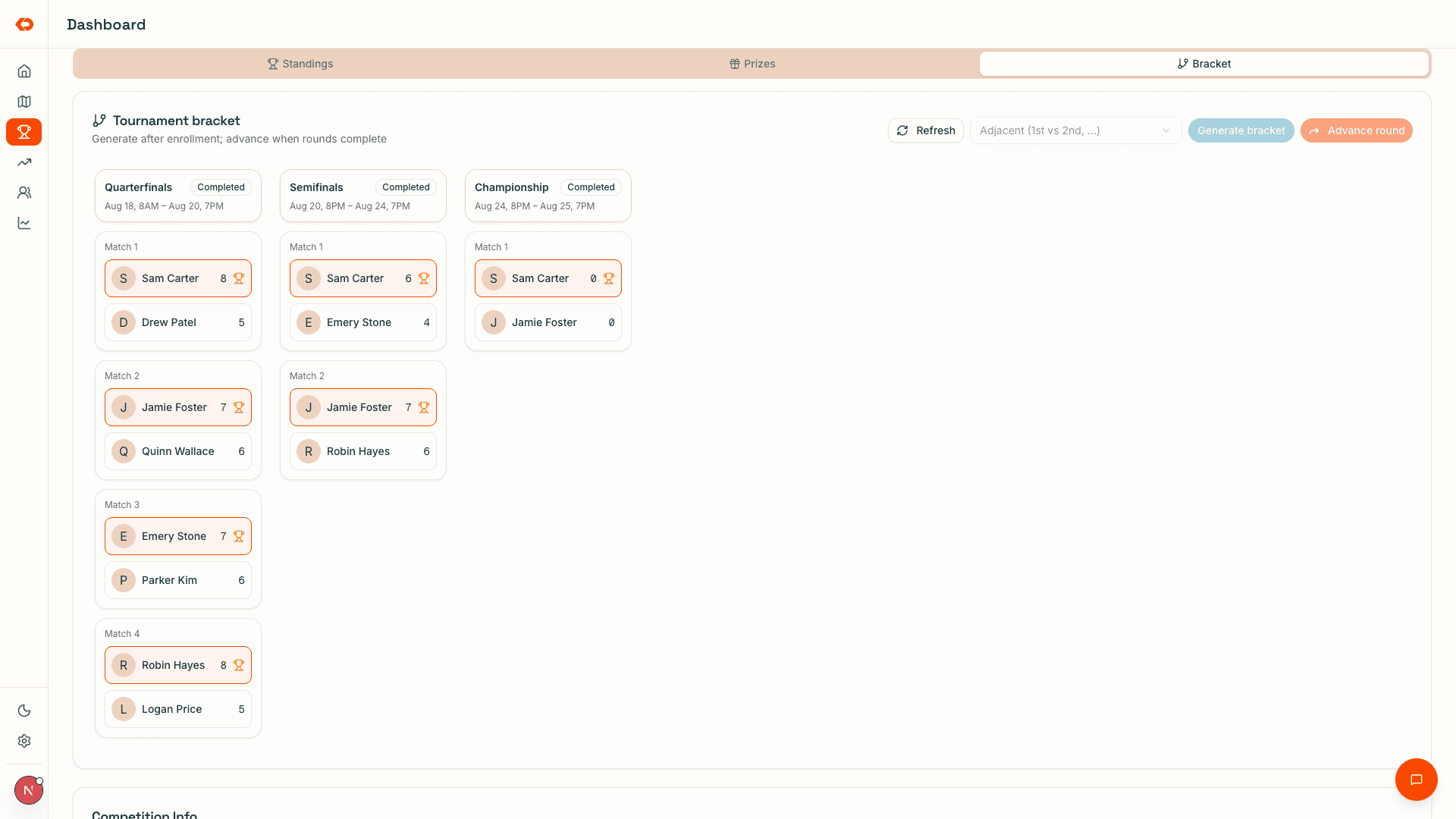
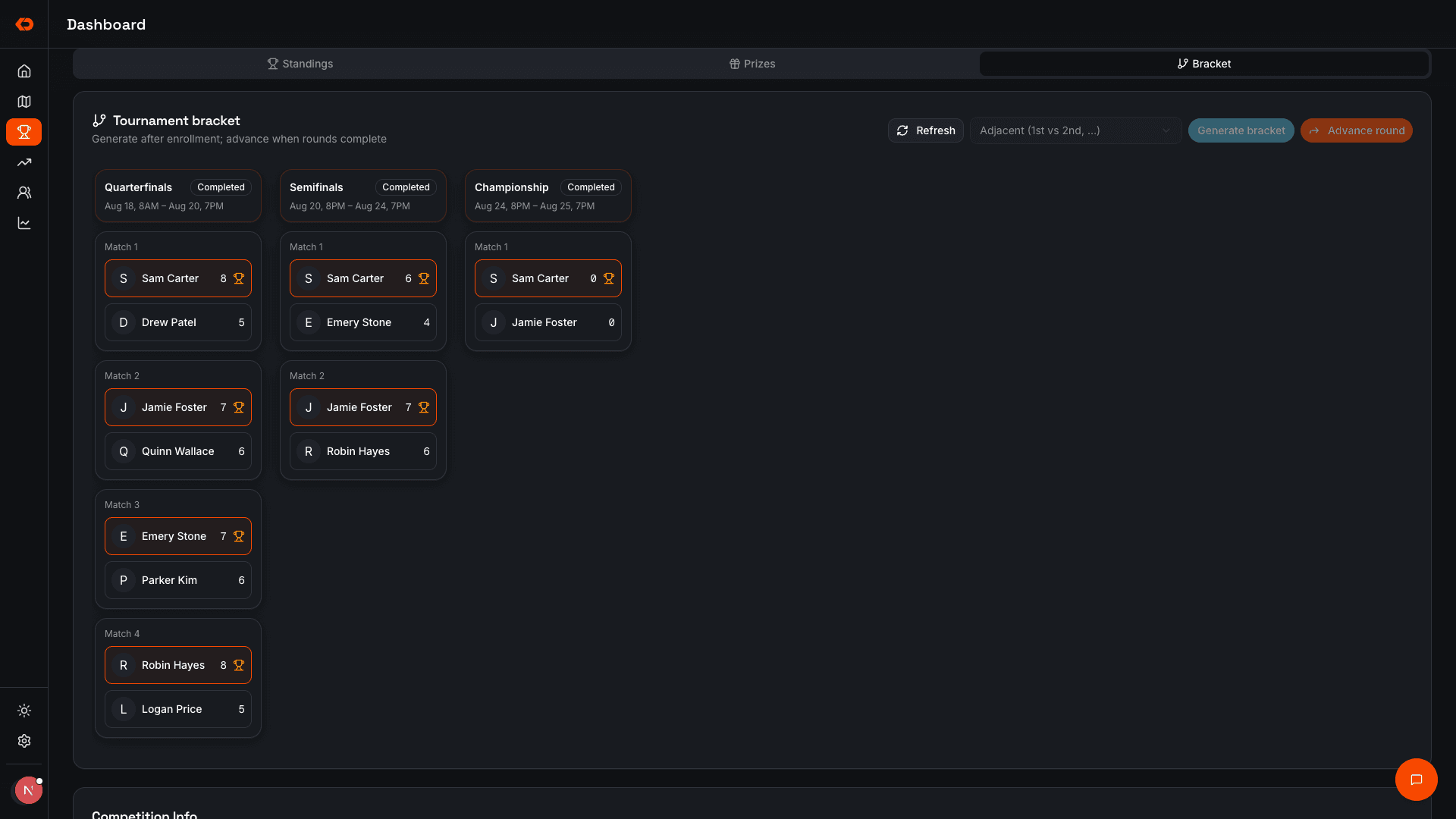
Standings update automatically as reps work, so managers can see who’s on pace, who’s behind, and where attention can still change the result — without maintaining another leaderboard.
- Individual and team competitions
- Live standings
- Goals and rewards
- Multiple competition formats
Owner & Manager Visibility
See how the day is unfolding without calling around for updates.
Territory activity, rep activity, leads, conversations, and sales stay connected as the team works.
Managers don’t have to wait until the end of the day to reconstruct what happened, and owners can see the same operating picture without becoming the person managing every rep themselves.
Why KnockDesk
Same team. Better execution.
As a field team grows, running it shouldn’t automatically mean more manual updates, more spreadsheets, and more management overhead.
KnockDesk gives owners and managers better visibility into the work behind the sales number — so they can improve execution, coach more deliberately, and make better decisions about where the team needs attention.
The point isn’t more software. It’s a better-run field team.
FAQ
Frequently asked questions
A CRM stores what someone typed later. KnockDesk logs the door when it happens: GPS on the pin, notes from the tape, the board in the same place.
See it on your own operation
See how KnockDesk would work inside your sales organization.
We’ll walk through how your team operates today — territory, rep activity, coaching, competitions, and sales — then show you how those workflows come together inside KnockDesk.
Book a Walkthrough