
Assign territory, track doors, manage routes, and capture what happens in the field.
SALES REP TRACKING
Seewhatyourrepsaredoinginthefield.
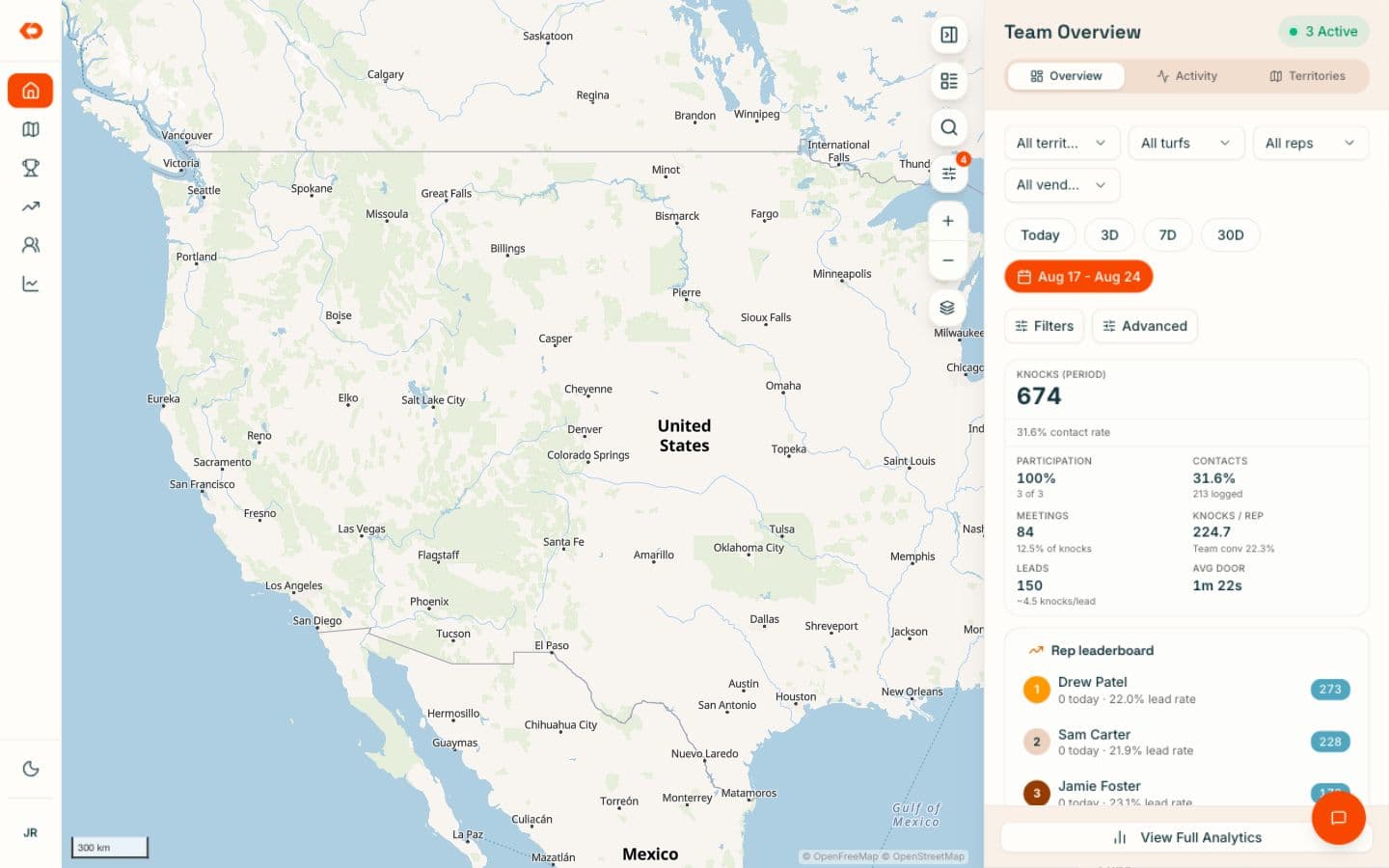
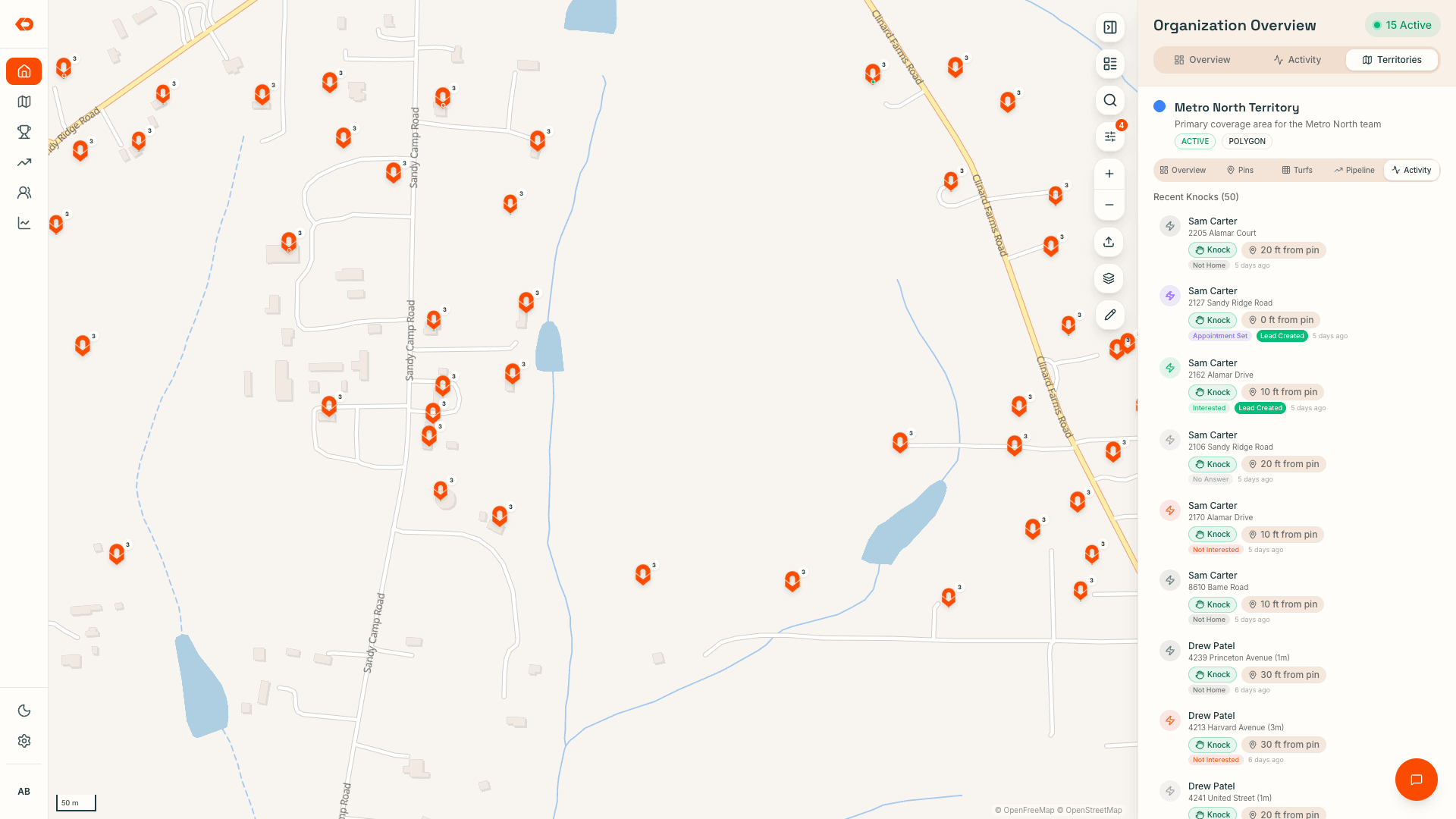
See who’s working, where activity is happening, and what visits are being logged as the day unfolds.
KnockDesk gives managers a clearer view of the work behind the day — rep activity, visits, outcomes, leads, conversations, and progress — without waiting for everything to be reconstructed later.
REP ACTIVITY
Knowwho’sactiveandwherethey’reworking.
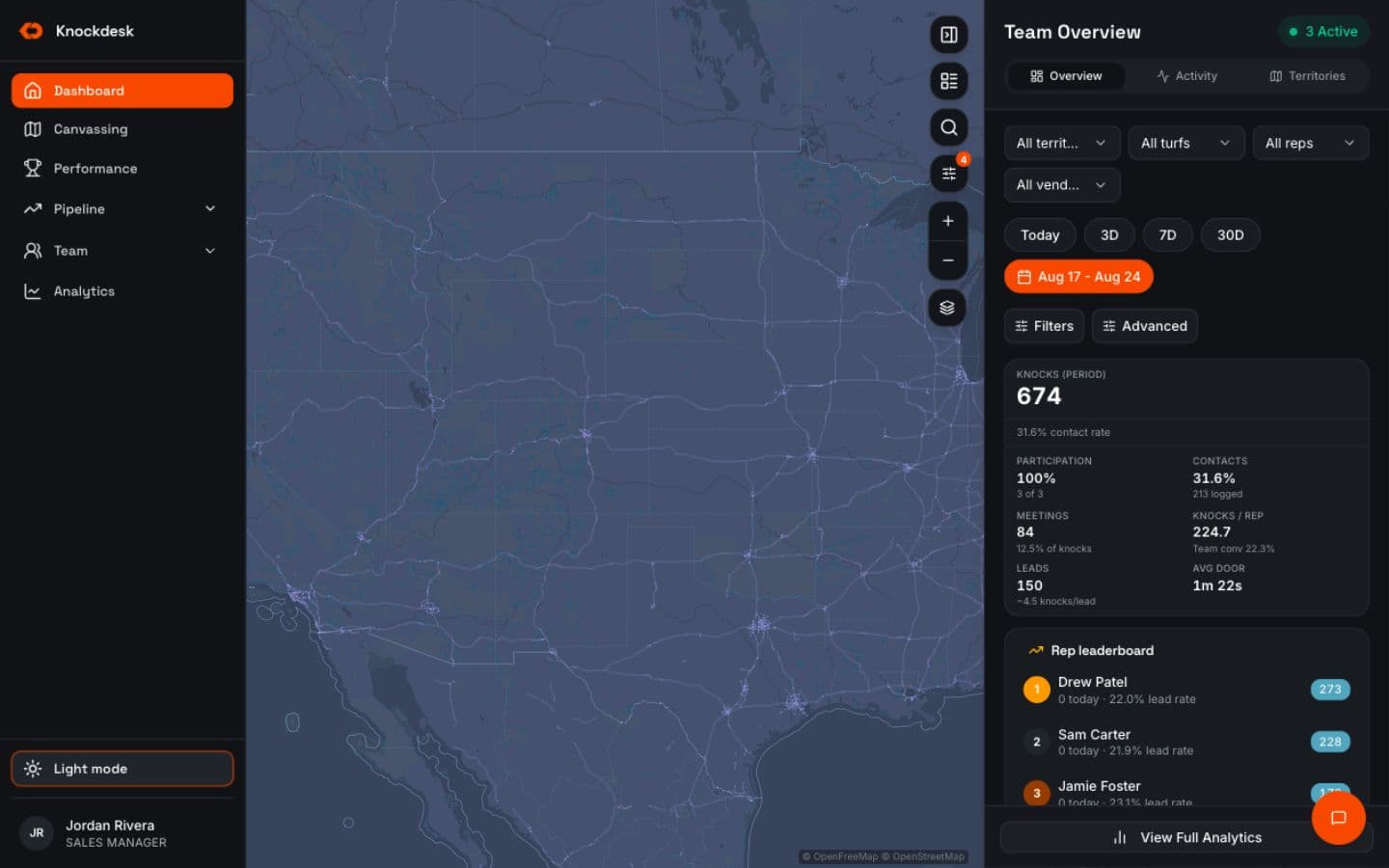
See rep locations and field activity from one view.
Managers can understand who’s active, where people are operating, and what work is being recorded as the team moves through the day.
That makes it easier to spot where activity is building and where the team may need attention without calling around for updates.
Territory Management follows the ground. Sales Rep Tracking follows the people working it.
- Rep locations
- Field activity
- Visits as they happen
- Individual and team visibility
VERIFIED VISITS
Knowthatthevisithappenedatthedoor.
Visits can carry GPS-backed verification so managers have more context around where activity was logged.
The visit stays connected to the location, door status, and visit history, giving managers a more reliable picture of field activity without requiring another reporting step from the rep.
Verified activity gives more confidence in the record. Do not turn this into exaggerated “proof every rep is working” language.
- GPS-backed verification
- Visit connected to the location
- Door status
- Visit history
FIELD ACTIVITY
Seewhattherepisdoing,notjustwheretheyare.
A location pin doesn’t explain what happened there.
KnockDesk connects reps to the visits, outcomes, leads, conversations, and sales activity being captured while they work.
Managers can see the activity behind the final sales number and understand what happened throughout the day instead of treating location as the whole picture.
- Visits
- Outcomes
- Leads
- Conversations
- Sales activity
REP AND TEAM PROGRESS
Seewhereactivityisbuilding—andwhereitisn’t.
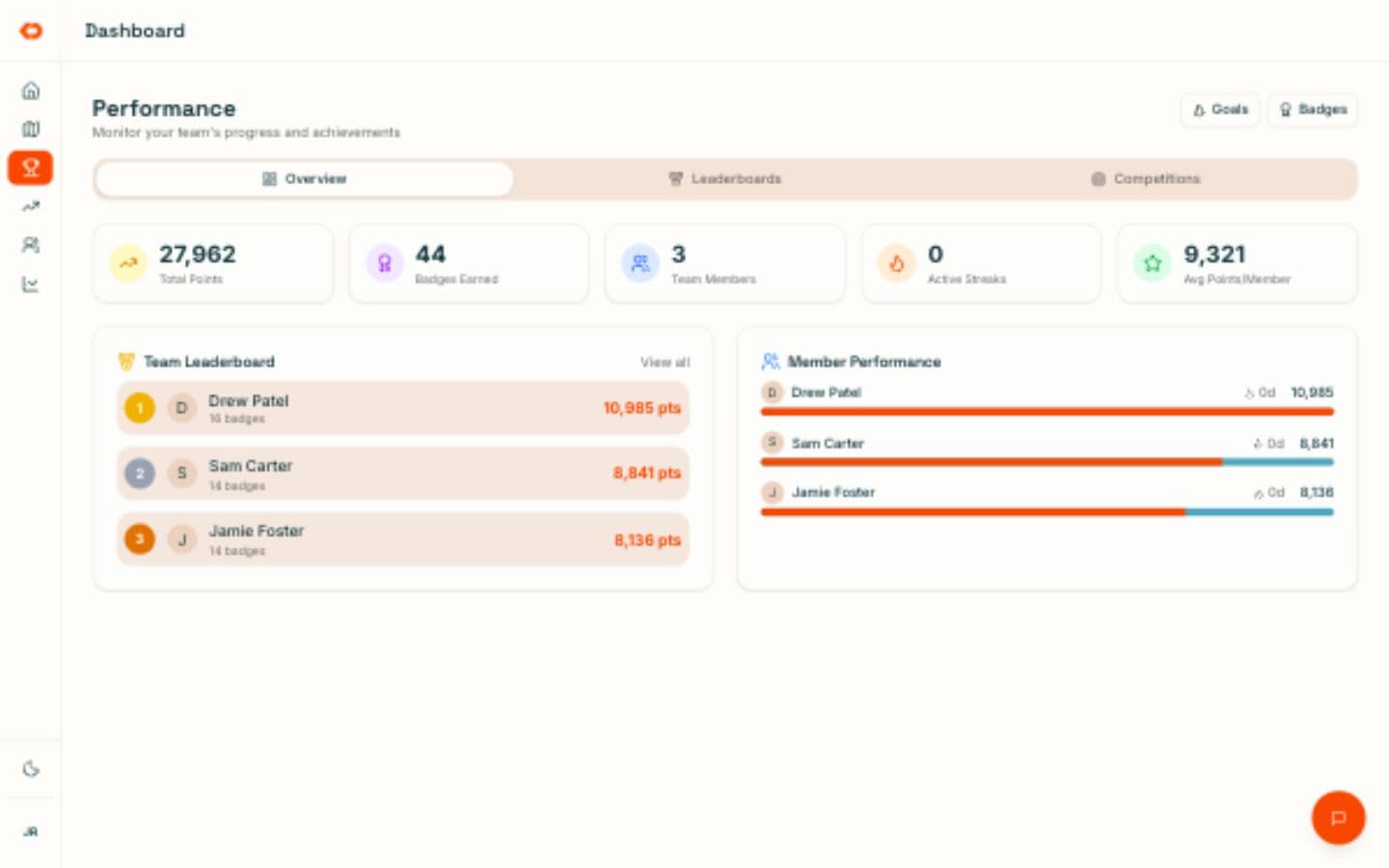
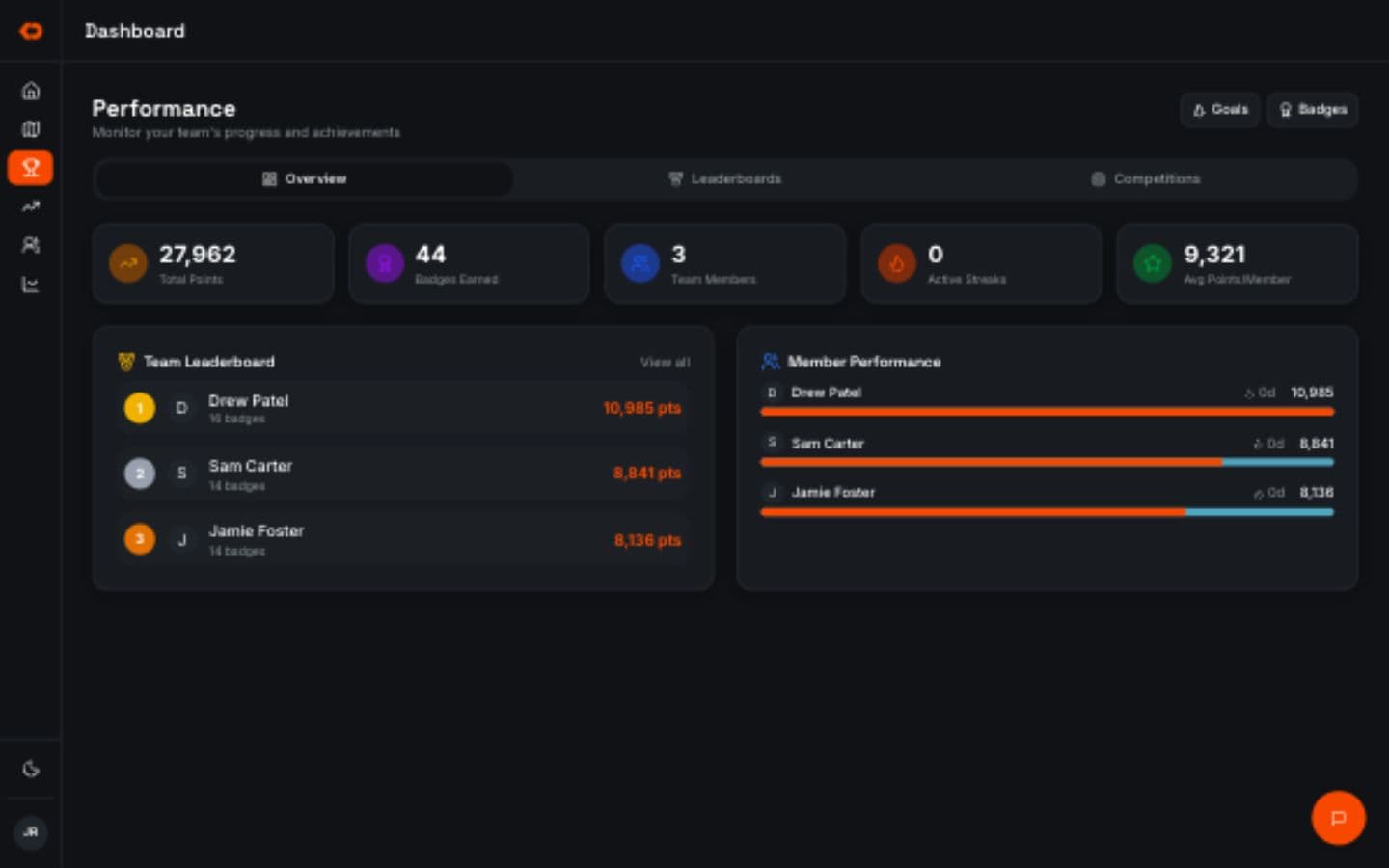
Managers can review field activity at the individual and team level throughout the period.
That makes it easier to understand who’s active, which teams are moving, where progress is slowing, and where attention may still change the result.
Goals, competitions, and sales information can provide additional context around that activity without requiring a separate reporting process.
- Individual rep activity
- Team activity
- Goals and progress
- Sales results in context
ACCOUNTABILITY
Getacleanerrecordofthedaywithoutrebuildingitlater.
The actions reps take inside KnockDesk create the field record as the work happens.
Visits, outcomes, leads, and other field activity stay connected instead of depending on a rep to remember and summarize everything after the day is over.
Managers get a more current operating picture without creating another end-of-day administrative process for the team.
The work happens. The record builds with it.
TERRITORY CONTEXT
Seerepactivityintheterritorytheywereassigned.
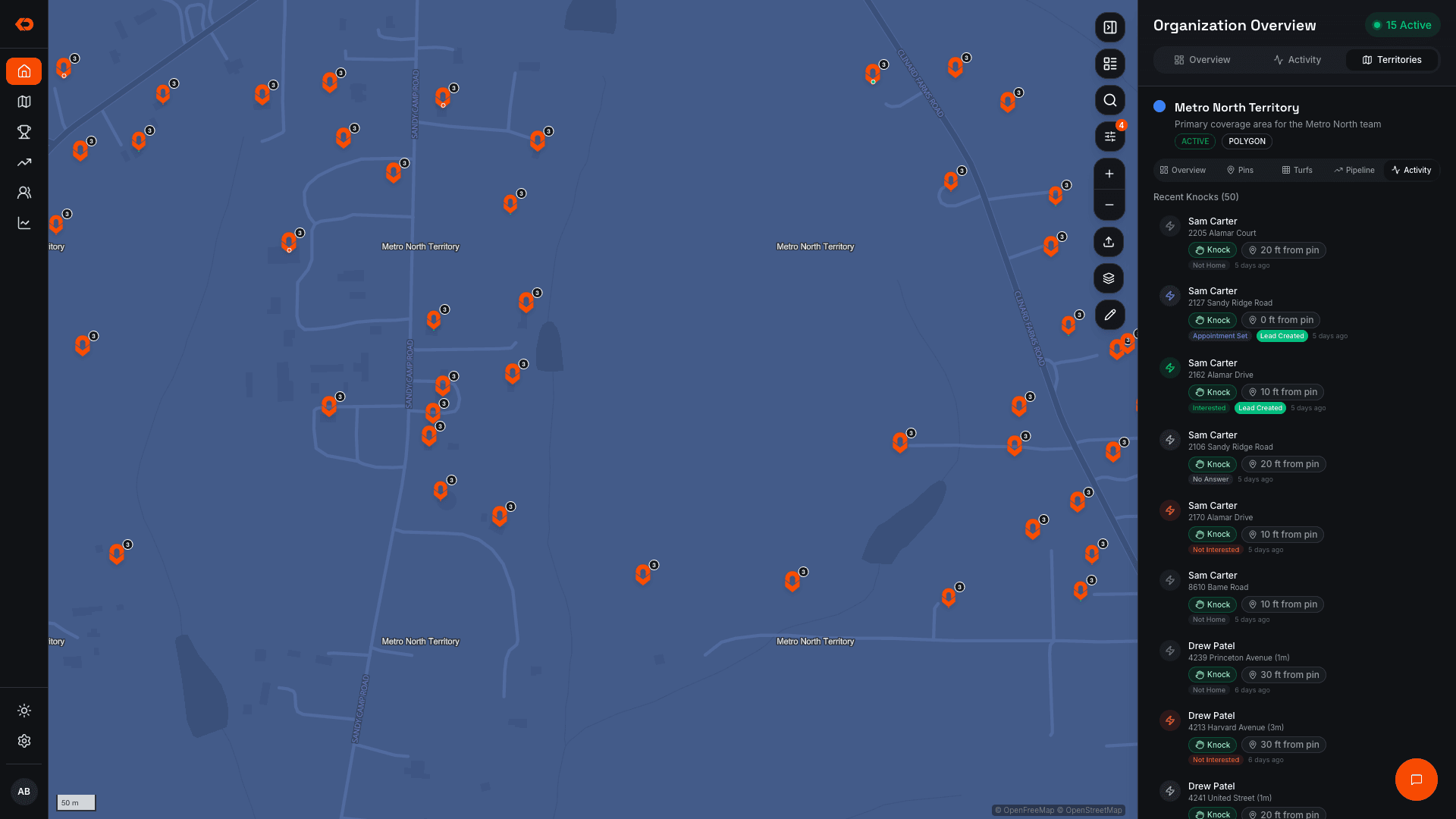
Rep activity becomes more useful when managers can understand it alongside the territory the team was expected to work.
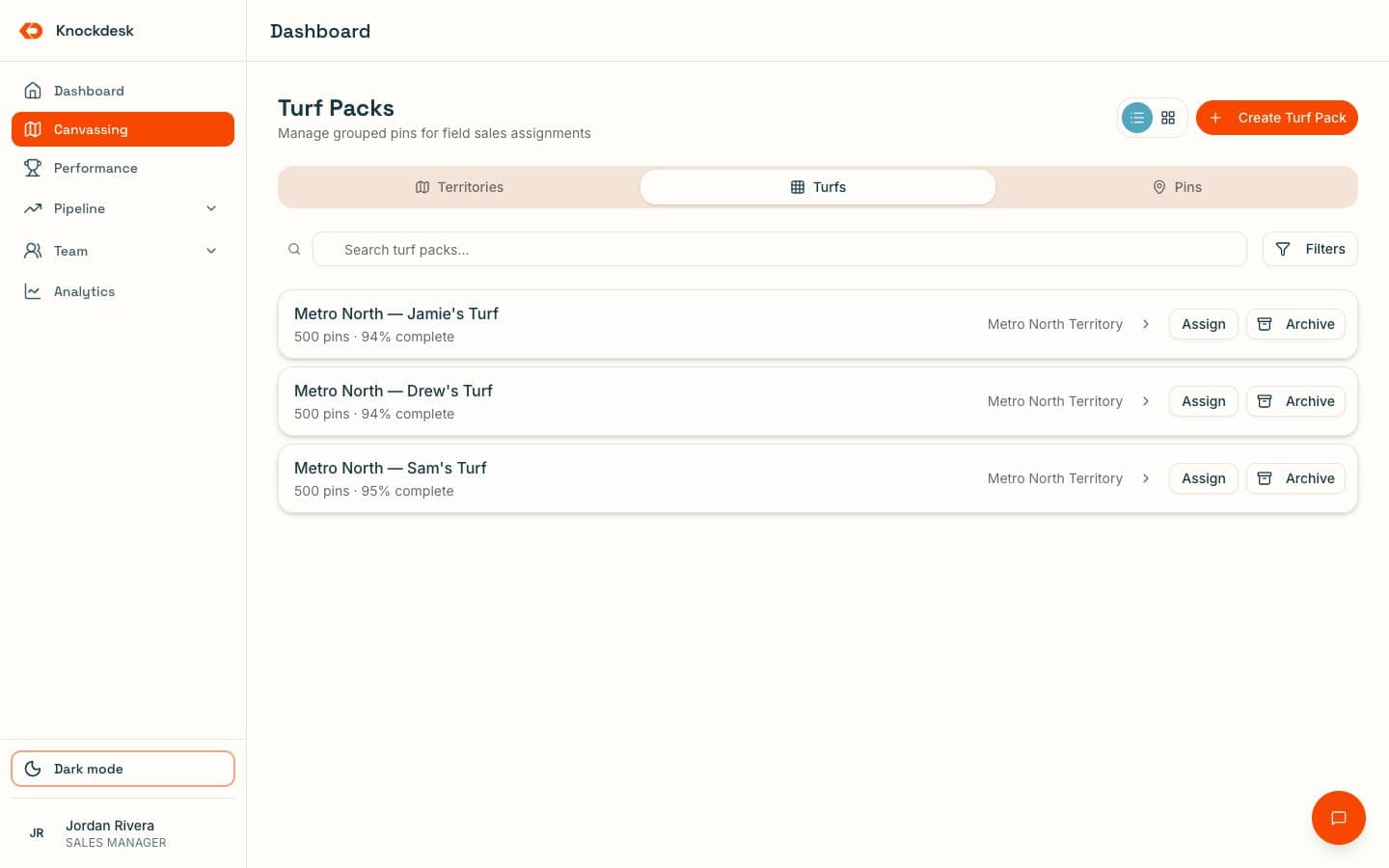
KnockDesk connects reps, visits, and coverage so managers can see both: Who is working? How is that work moving through the assigned territory?
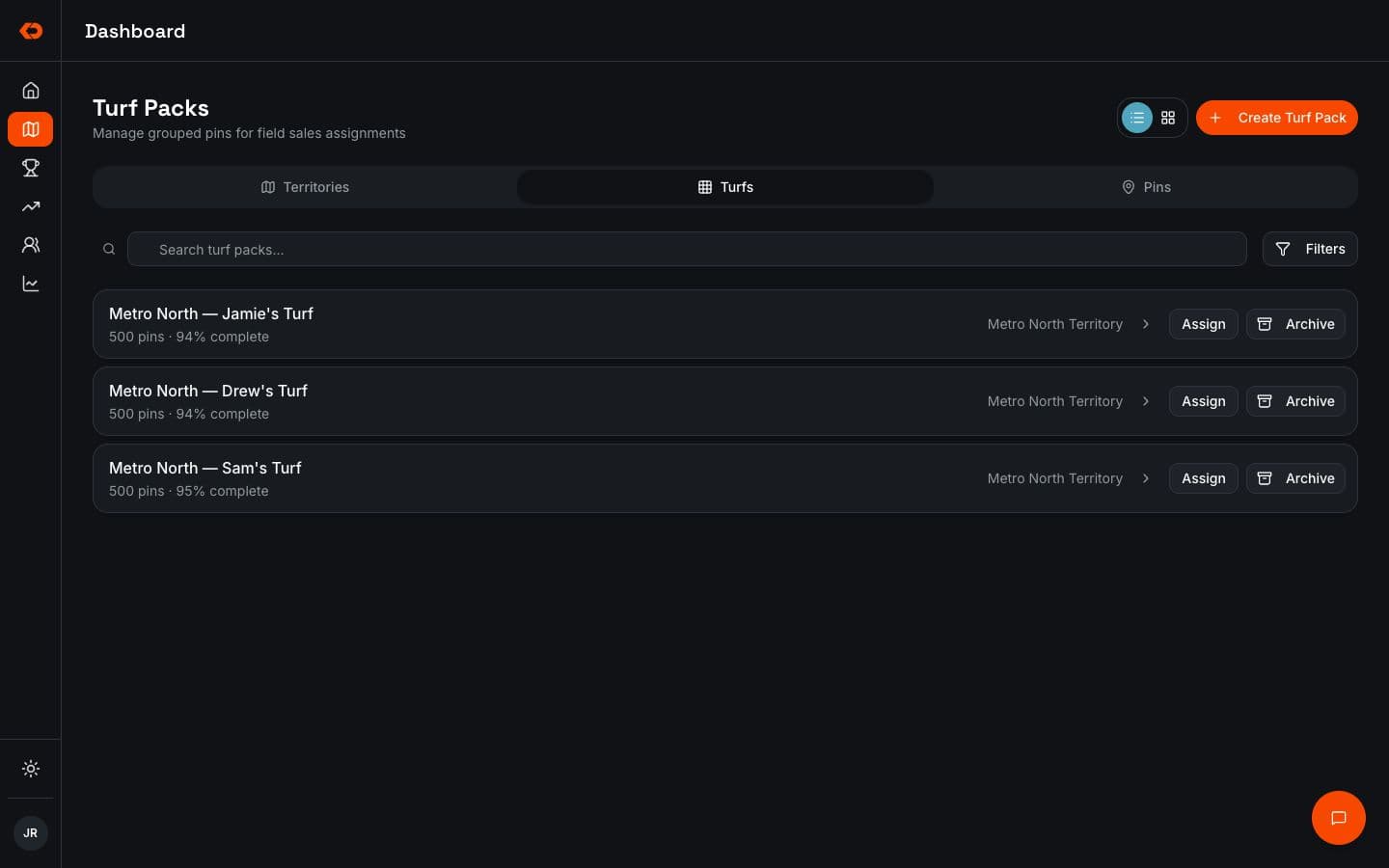
For deeper territory creation, assignment, coverage, and reassignment workflows, see Territory Management.
- People
- Visits
- Coverage
- Verified activity
FAQ
Frequently asked questions
Managers can see rep locations, field activity, visits, outcomes, leads, conversations, and progress from the same operating picture.
ALSO IN KNOCKDESK
Rep activity connects to the rest of the field workflow.
See assigned versus worked territory and adjust coverage when the plan changes.
Use field activity, territory, coaching, and goals to decide where the team needs attention.
BOOK A WALKTHROUGH
See what field activity would look like in KnockDesk.
We’ll walk through how you currently keep track of rep activity, visits, and field progress — then show you what managers can see as the team works inside KnockDesk.
Book a Walkthrough