
Draw territories, cut turf, and reassign the ground those doors sit on.
CANVASSING
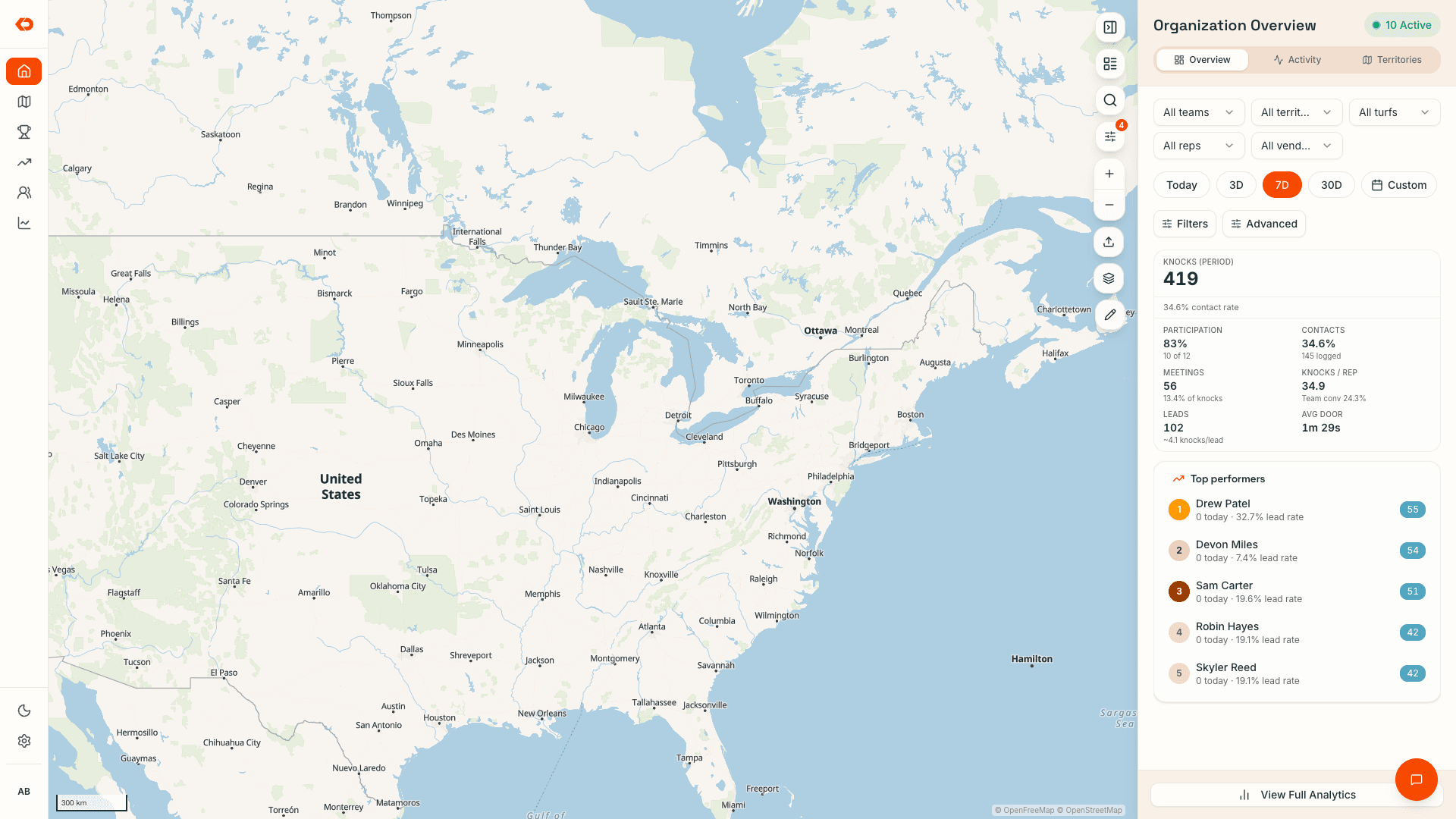
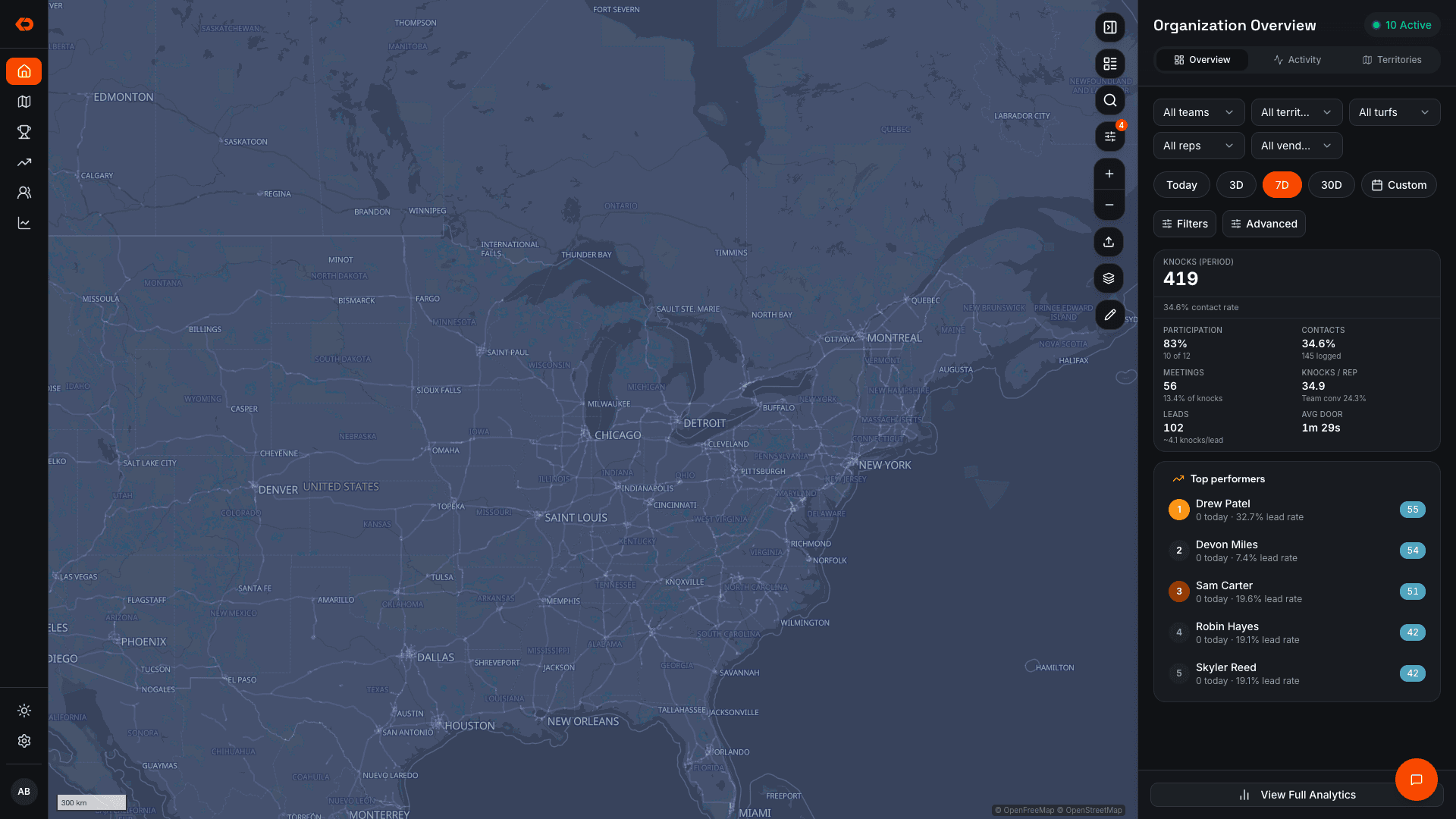
Knowwhat’shappeningacrossyourterritory.
Log every door, build routes from open pins, and turn interest into a lead before the rep leaves the porch.
See which doors were worked and what’s still open — without calling around for updates or waiting until Friday to reconstruct the field.
TERRITORY
Assignthework.Seewhatgetsdone.
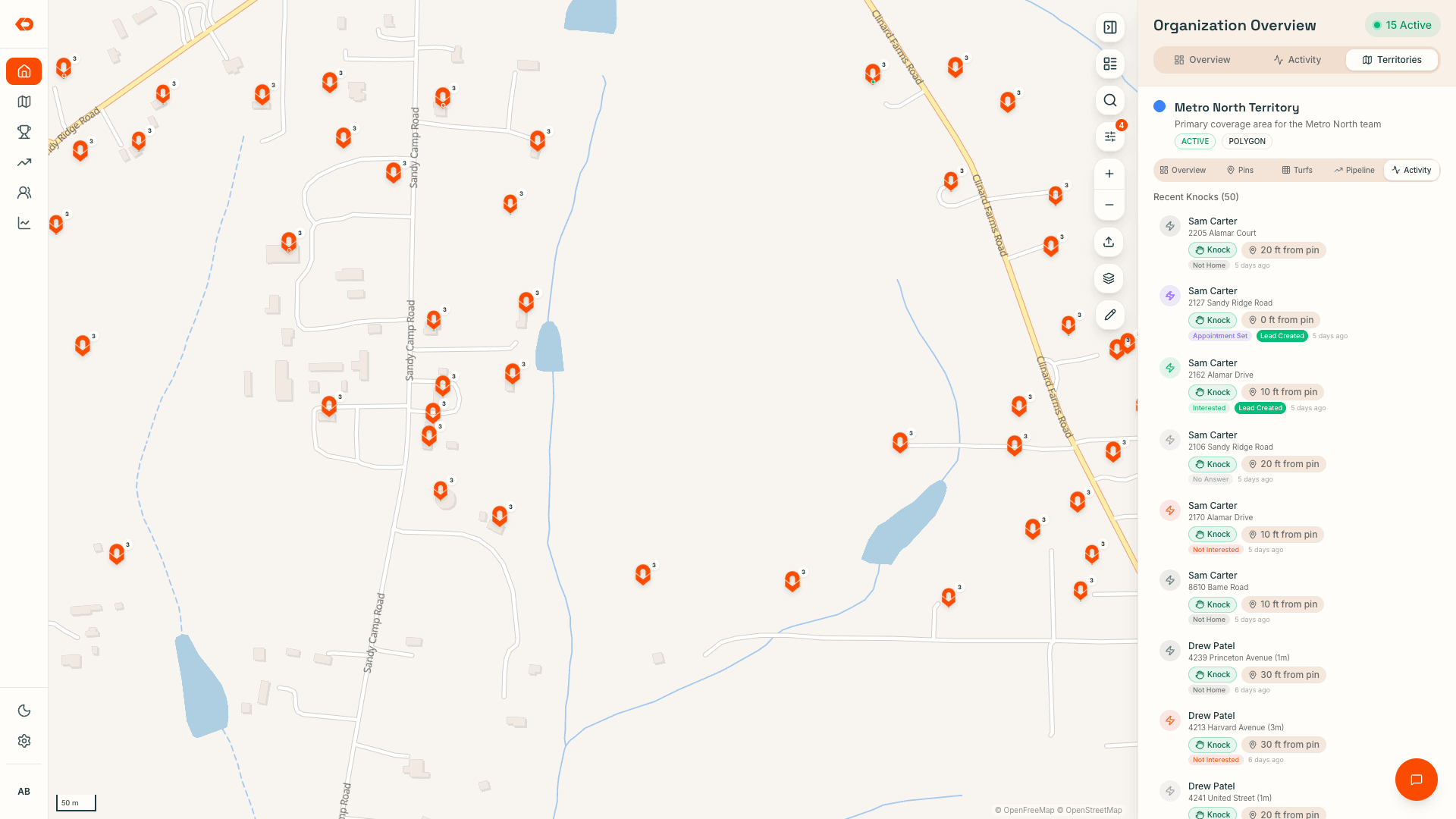
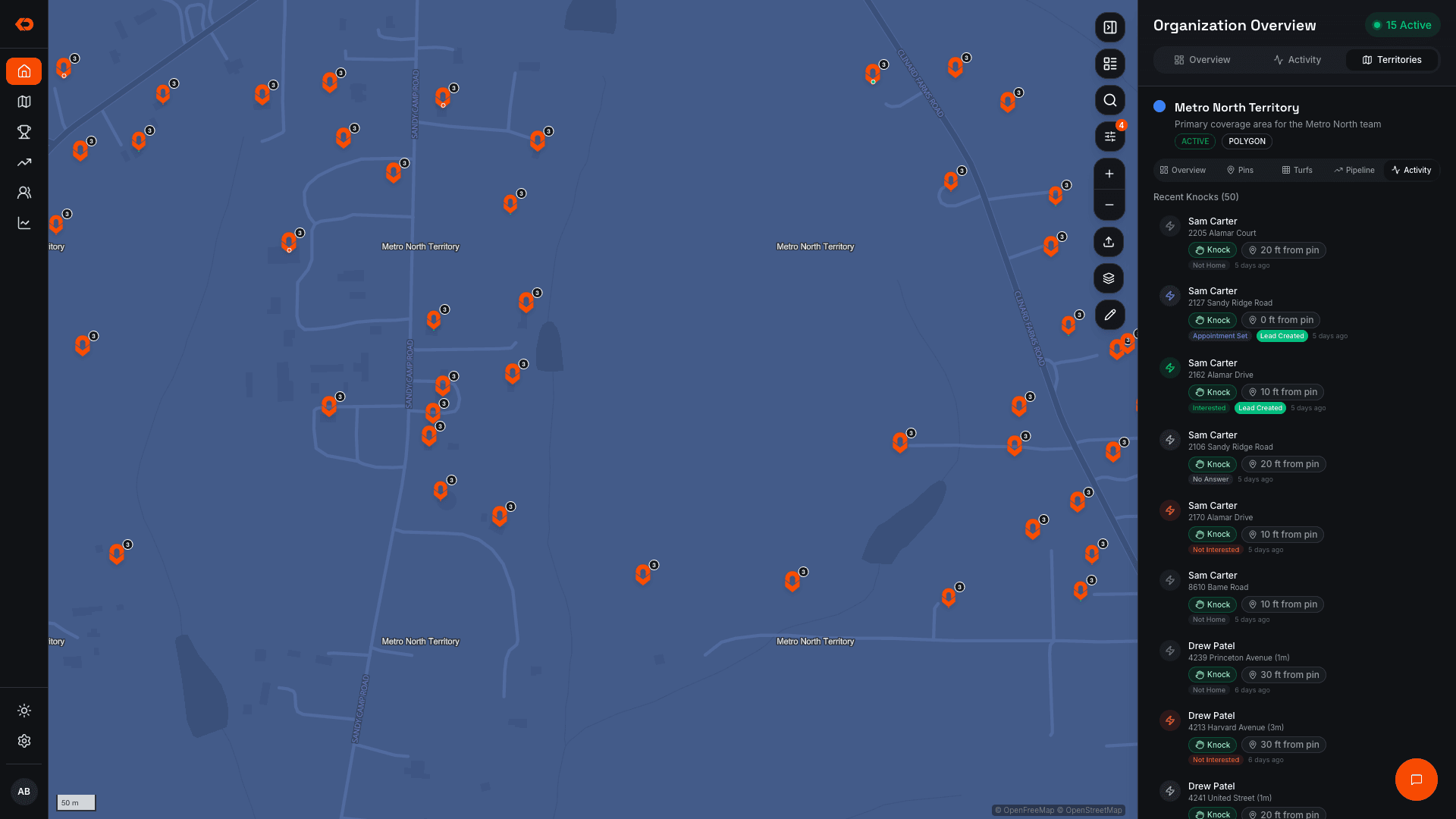
Create territories and turf packs, assign them to reps or teams, and see coverage update as doors are worked.
Managers can compare the territory that was assigned with the work that actually happened — then reassign areas or move people while there’s still time to improve coverage.
Drawing, cutting, and mid-week reassignment of the ground itself lives in Territory Management.
- Assign territory to reps or teams
- See worked and unworked areas
- Track door status
- Reassign territory when plans change
LIVE FIELD VISIBILITY
Seewhereyourteamisworking.
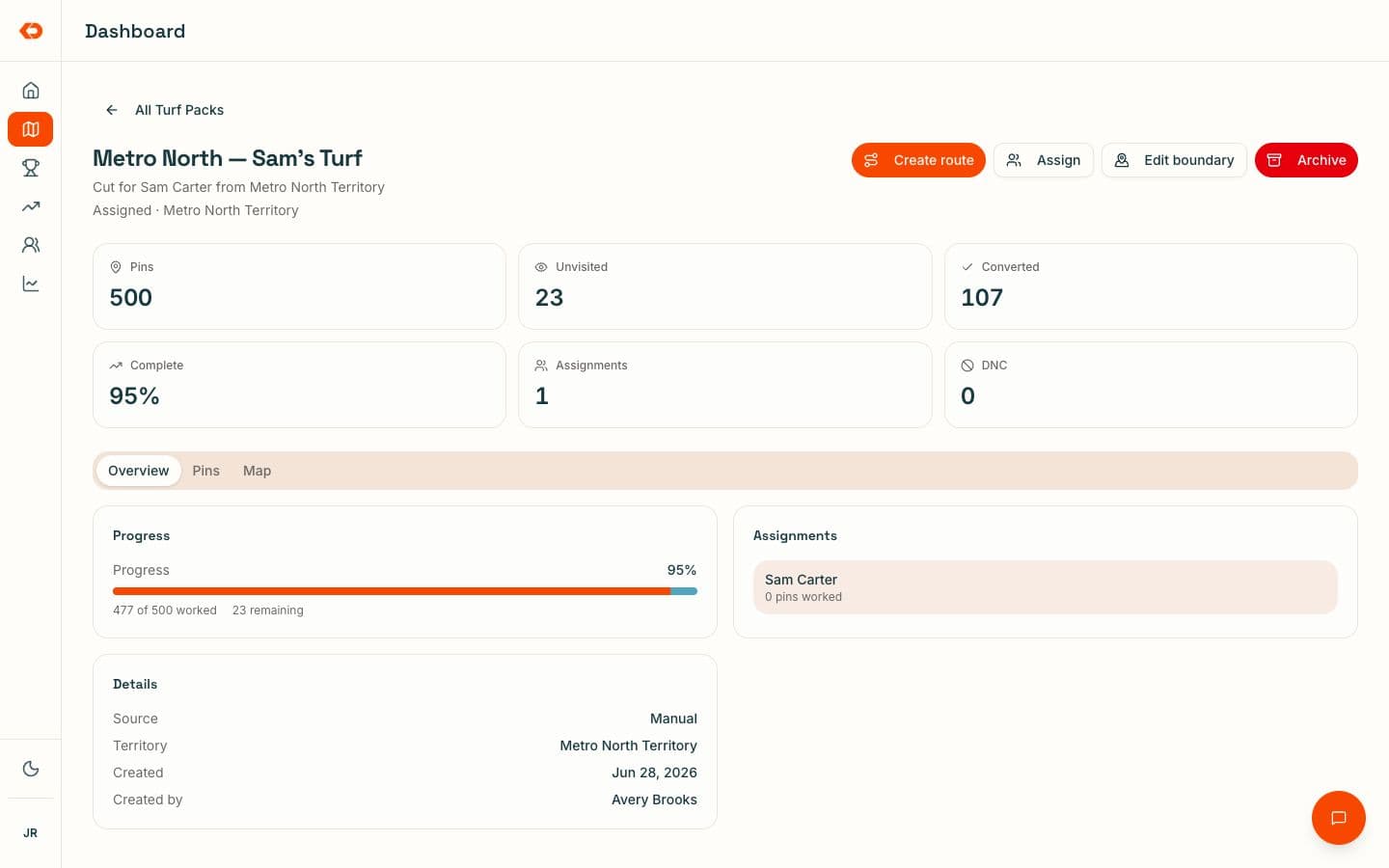
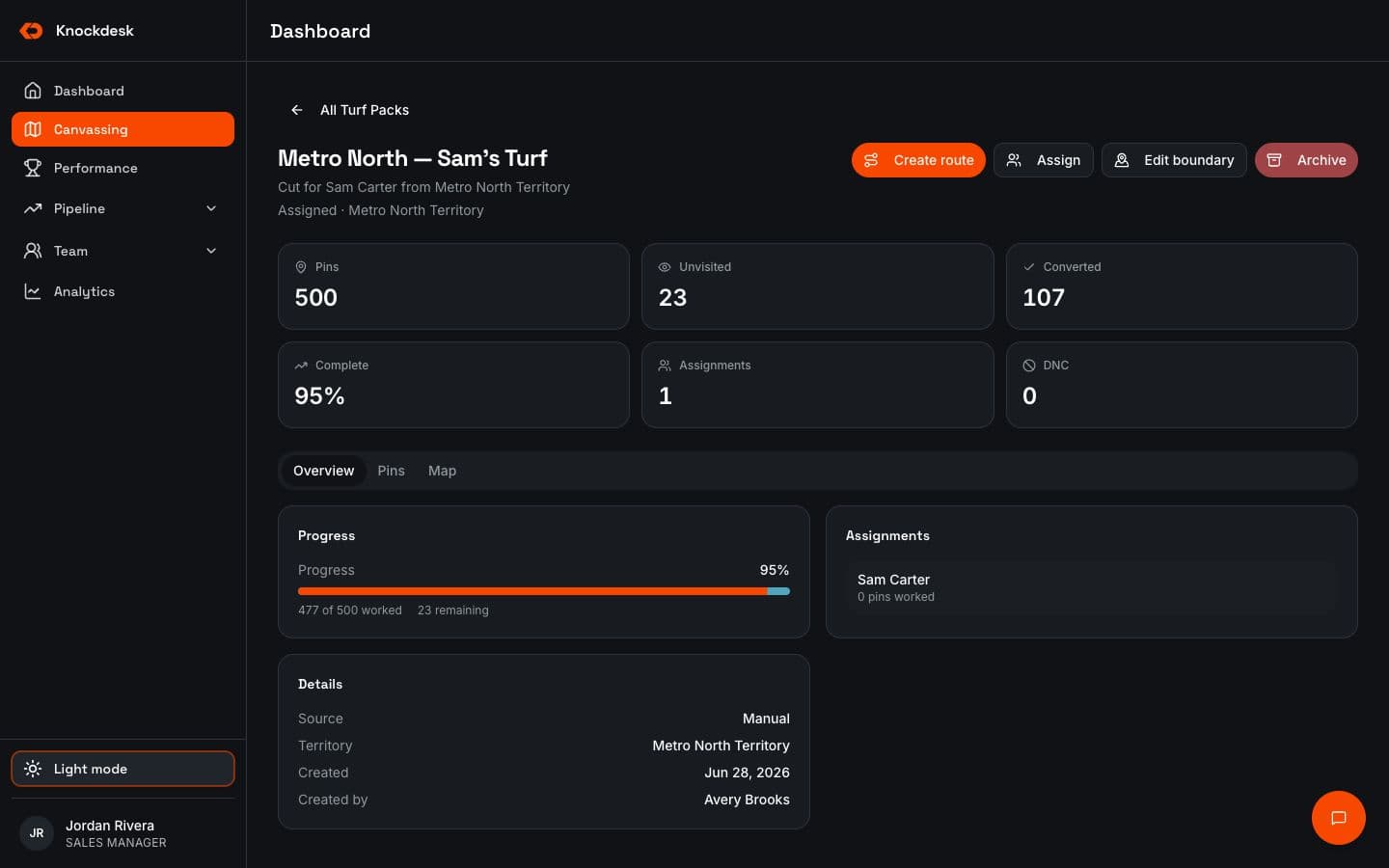
Managers can see visits, door status, and coverage update as the team canvasses.
That makes it easier to see which areas are moving and where doors still need attention without asking every rep for an update.
For a people-level view of who is active and which visits were verified, see Sales Rep Tracking.
- Visit history
- Door status on the map
- Worked and unworked doors
- Coverage as the day unfolds
KNOCK TRACKING
Capturethevisitatthedoor.
Reps log the outcome while they’re there. The visit stays tied to the location, the door status updates, and the rest of the team can see what happened.
GPS-backed verification gives managers more confidence that the activity on the map reflects the work in the field.
It works offline and syncs when service returns.
- Outcome tied to the door
- GPS-backed visit verification
- Door status updates
- Offline logging and sync
ROUTES
Keeprepsmovingthroughtherightdoors.
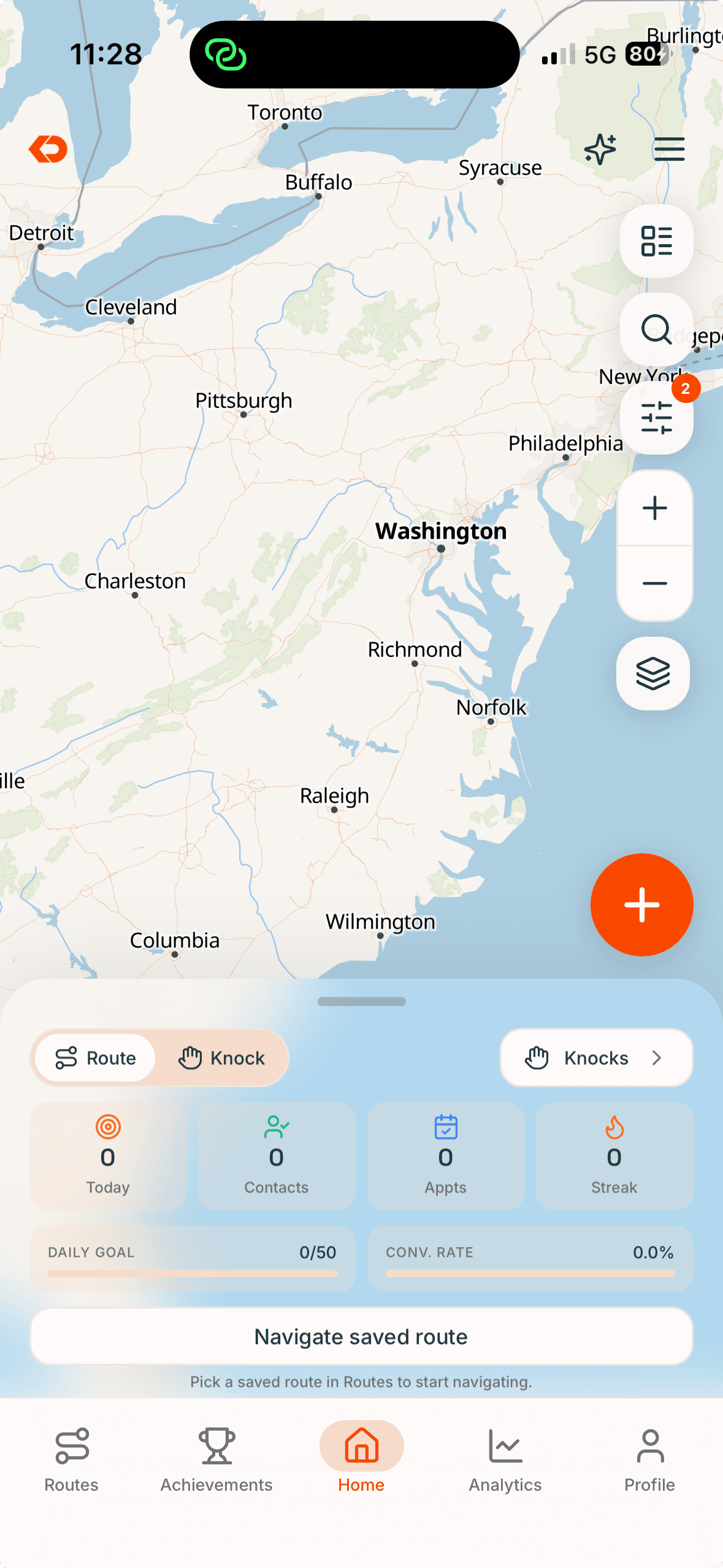
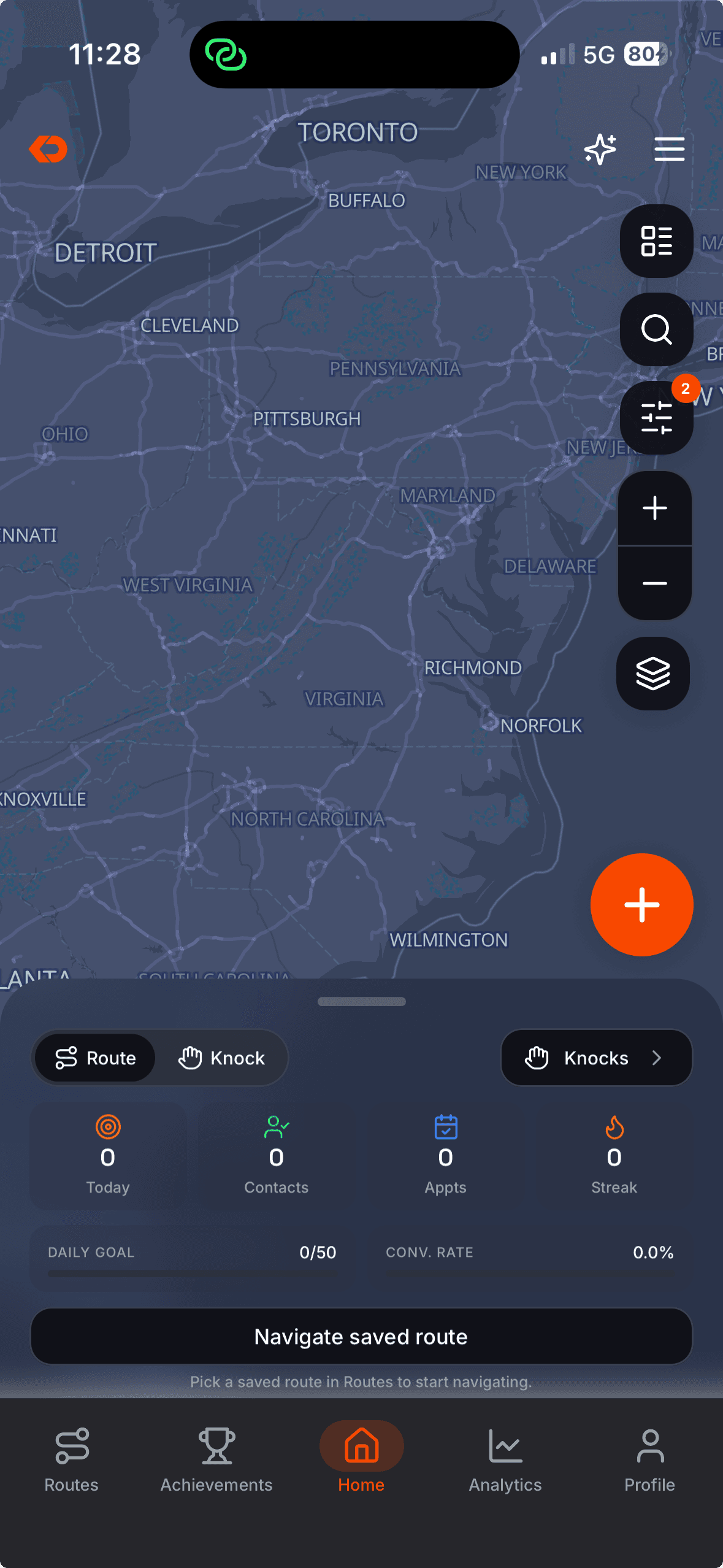
Build routes from available pins and give reps a clear next stop.
Already-worked doors stay out of the way, so reps spend more time on territory that still needs attention instead of repeating ground that has already been covered.
- Clear next stops
- Door history before the visit
- Worked doors removed from the route
- Open in Maps when directions are needed
LEADS
Turninterestintofollow-upimmediately.
When a rep marks someone interested, KnockDesk creates the lead from the visit and keeps the field context connected.
The office can see it immediately, so follow-up doesn’t depend on the rep remembering to send a text or enter the same information somewhere else later.
- Lead created from the visit
- Door and lead stay connected
- Follow-up information stays attached
- Office visibility immediately
FAQ
Frequently asked questions
It is the door-to-door workflow: knock tracking, routes, visit outcomes, and lead follow-up as reps work the field.
ALSO IN KNOCKDESK
Canvassing is one part of how KnockDesk runs the field.
See who is active, where they are working, and which visits were verified.
Run competitions, keep standings visible, and reinforce the sales activity you want more of.
Review field conversations, identify coaching needs, and help reps improve the sales process.
BOOK A WALKTHROUGH
See how KnockDesk would work inside your sales organization.
We’ll walk through how your team assigns territory, tracks field activity, and handles follow-up today — then show you what that workflow looks like inside KnockDesk.
Book a Walkthrough